
HR requests automation: reduce HR workload by 80%
Automate HR requests with AI to reduce ticket volume by 60–80%, improve SLA speed, and complete HR workflows end to end without manual effort.


TL;DR
HR requests automation reduces 60–80% of repetitive tickets by resolving queries and executing workflows automatically.

AI-driven systems go beyond responses by completing approvals, updates, and provisioning end to end.
Automation improves SLA speed by resolving requests instantly instead of relying on manual ticket cycles.
HR teams scale support without increasing headcount through integrations and intelligent workflow execution.
How to automate employee queries and HR support? That question is becoming urgent for HR teams that are handling the same employee questions every day across email, Slack, Microsoft Teams, and internal portals. Leave balance requests, payroll questions, benefits confusion, onboarding tasks, policy clarifications, and document access requests all compete for HR’s time, even though many of them follow a repeatable pattern.
This guide explains how HR requests automation helps teams move from manual replies and ticket queues to instant employee query resolution. You’ll learn how to automate employee HR questions, use a chatbot for employee support queries, apply AI to answer employee HR queries, and build a practical workflow for how to handle employee HR requests automatically.
The goal is simple: reduce repetitive HR workload, give employees faster answers, and create a support experience that works inside the channels employees already use — without forcing them into another portal, ticket form, or waiting loop.
What is HR requests automation?
HR requests automation, which uses AI and workflow automation to handle employee queries and HR tasks without manual intervention by HR teams. Instead of relying on back-and-forth emails or ticket queues, automated systems can understand requests, retrieve the right information, and complete actions in real time.
With that, employee query management automation is the process of capturing, understanding, resolving, and tracking employee HR questions automatically. Instead of letting every question become an email thread or HR ticket, AI identifies the employee’s intent, checks the right HR source, gives a reliable answer, and triggers the next step when an action is needed.
For example, an employee asking “How many leave days do I have left?” should not have to open an HR portal or wait for a support reply. The AI should check the HRIS, return the balance instantly, and guide the employee to apply for leave if needed.
At its core, HR requests automation brings together three key capabilities:
HR ticket automation automatically resolves incoming HR tickets by answering queries or triggering workflows, reducing the need for manual handling.
Repetitive HR task automation eliminates routine, time-consuming tasks such as answering FAQs, sharing documents, or updating employee information.
Workflow orchestration connects multiple systems and processes to execute end-to-end actions, such as approvals, notifications, and provisioning, without human involvement.
This means employees no longer have to wait for HR to respond to common requests. For example:
Leave balance queries are answered instantly using real-time data
Policy questions are resolved through AI-powered knowledge retrieval
Access requests are processed automatically with approvals and system provisioning
By combining intelligence with execution, HR requests automation transforms HR from a reactive support function into a scalable, always-on service that handles both queries and actions seamlessly.
What HR request automation looks like in practice
HR request automation becomes easier to understand when you look at what happens after an employee asks for help. The AI does not simply identify the request. It can retrieve the right information, take an approved action, and complete the request across connected HR systems.
Employee request | What automation can do | Systems involved |
|---|---|---|
“How much PTO do I have left?” | Retrieve the employee’s current leave balance and return it in the same conversation. | HRIS + Slack or Microsoft Teams |
“I want to take next Friday off.” | Check the available balance, submit the request, route it for manager approval, and confirm the outcome. | HRIS + approval workflow |
“Where can I find my payslip?” | Authenticate the employee and retrieve the relevant payroll or payslip information. | Payroll or HRIS |
“What does our parental leave policy cover?” | Find the approved HR policy and provide an answer grounded in company-specific information. | HR knowledge base |
“I need access to an application.” | Capture the request, route approval, provision access through the connected system, and confirm completion. | HR/IT + identity management |
“What do I need to complete before Day 1?” | Retrieve onboarding requirements, identify outstanding tasks, and guide the new hire through the next steps. | HRIS + onboarding systems |
The common pattern is request, understand, retrieve, act, and resolve. HR only needs to step in when a request requires judgment, an exception, or additional employee support.
Why HR teams struggle with repetitive requests
HR teams today are not struggling because of complexity — they’re struggling because of repetition.
A majority of HR workload comes from handling the same set of requests over and over again. Without automation, this creates operational drag and prevents HR from focusing on strategic priorities.
Here’s where the real problem lies:
Repetitive HR queries consume 60 –70% of HR bandwidth : Most HR teams spend the majority of their time answering predictable queries like leave balances, payroll details, and policy clarifications. These are low-effort but high-frequency requests that continuously drain productivity.
FAQs dominate HR inbox : A large volume of incoming requests is repetitive and rule-based. Yet, they still rely on manual responses, creating unnecessary workload for HR teams.
Manual ticketing slows down resolution : Every request follows a cycle : Raise → assign → respond. This leads to delays, growing backlogs, and frequent SLA breaches, especially during peak HR cycles.
Fragmented systems create inefficiencies : HR teams operate across disconnected systems like HRIS, payroll, and IT tools. Even simple requests require switching between platforms, increasing resolution time and complexity.
Lack of automation leads to inconsistent responses : Without a centralized automation layer, responses vary depending on who handles the request. This results in inconsistent communication and a lack of standardization.
Employee experience suffers : Delayed responses and repeated ticketing for simple queries create frustration. Employees expect instant answers, but traditional HR processes fail to deliver.
The problem is not just that HR gets too many requests. The bigger issue is that employees ask from wherever they are — email, Slack, Teams, chat, or intranet — while HR teams are forced to manage those questions across disconnected queues.
That is why a chatbot for employee support queries works best when it does more than answer FAQs. It should capture the request from any channel, understand what the employee needs, resolve it instantly when possible, and send complex cases to HR with full context.
60–70% OF HR TIME. SAME REQUESTS. EVERY DAY.
Leave balances. Payroll questions. Policy queries. Workativ automates all of them - end-to-end.
No-code · HRIS integrations · Live in days
See a Quick Demo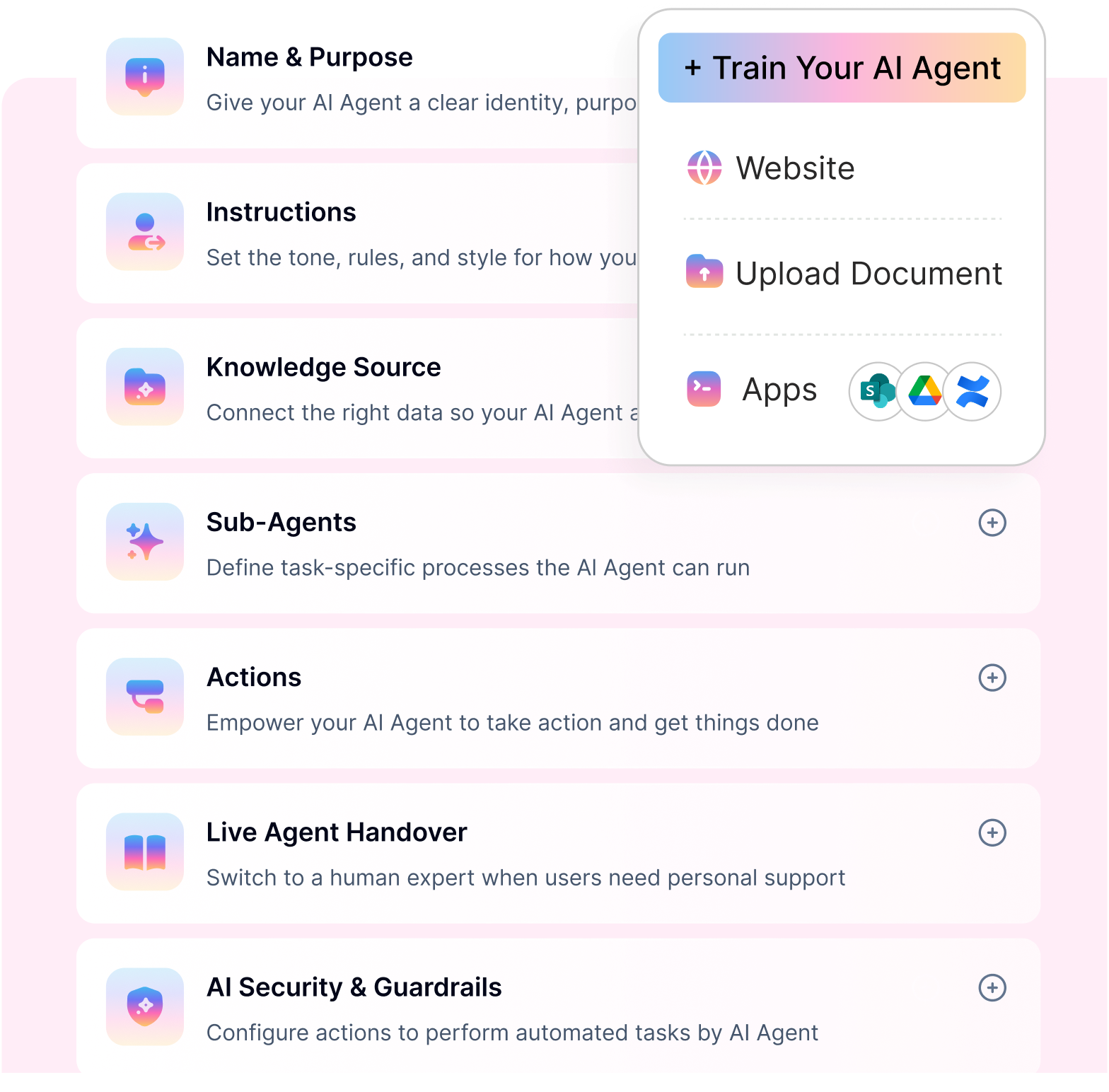
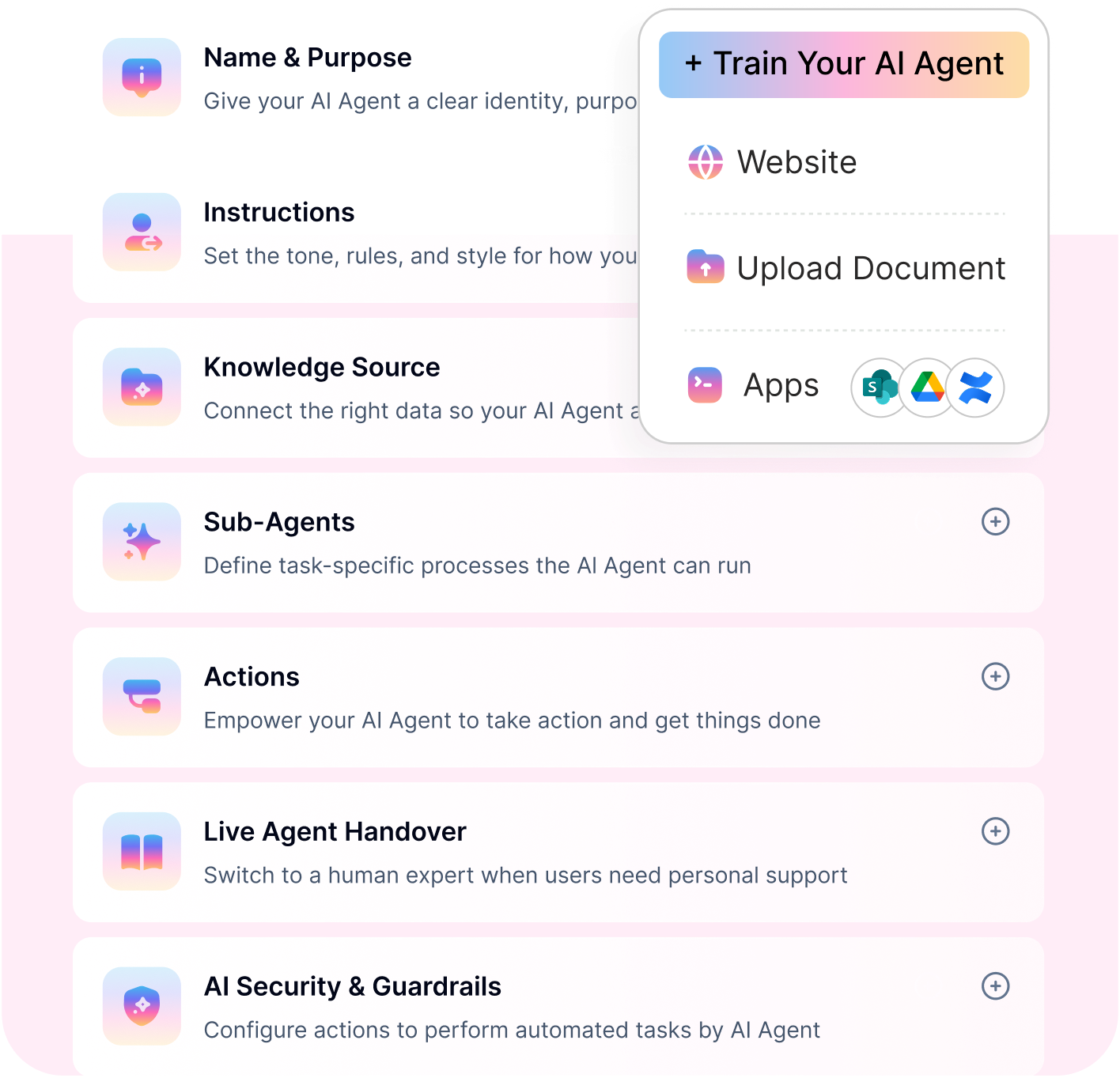
What HR requests can be automated?
Not all HR work is complex. In fact, a large portion of it is predictable, repetitive, and rule-based — which makes it perfect for automation.
From everyday employee queries to multi-step workflows, HR requests automation can handle a wide range of use cases without manual intervention. This is where repetitive HR task automation starts delivering real impact.
The easiest place to start is with high-volume employee questions. These are the requests HR teams answer every day, often with the same information, the same process, and the same follow-up steps.
When you automate employee HR questions first, HR sees a faster impact because the most repetitive work is removed from the queue immediately
Here are the most common HR requests that can be automated:
Employee information requests
Employees frequently reach out for basic information that already exists within HR systems. Instead of raising tickets and waiting for responses, automation can instantly provide:
Payslips and salary breakdowns
Leave balances and holiday details
Tax documents and declarations
This eliminates unnecessary back-and-forth and reduces HR dependency for simple queries.
Employee support queries
Employee support queries are the everyday HR questions employees ask when they need help but do not know where to look. These questions usually sound simple, but at scale they consume hours of HR time every week.
Common examples include:
Where can I download my payslip?
How do I update my bank details?
What is the maternity leave policy?
Who approves my reimbursement?
How many PTO days do I have left?
What documents do I need for onboarding?
Where can I find my tax declaration form?
A chatbot for employee support queries can answer these questions instantly when it is connected to HR policies, payroll data, employee records, and workflow tools. If the query needs action, the system can trigger the next step instead of sending the employee back to HR.
This is where AI to answer employee HR queries becomes more useful than a static HR knowledge base. It does not just show information. It helps the employee move from question to resolution.
HR policy and benefits queries
Policy-related questions are among the most repetitive requests HR teams handle. AI-driven automation can instantly answer:
Insurance coverage and benefits eligibility
Leave policies and accrual rules
Reimbursement processes and timelines
With a centralized knowledge base, responses stay consistent and always up to date.
Onboarding and offboarding workflows
Employee lifecycle processes involve multiple steps, stakeholders, and approvals. Automation helps streamline:
Document collection and verification
Onboarding checklists and task tracking
Exit processes, clearances, and documentation
This ensures nothing falls through the cracks while reducing manual coordination.
Access and provisioning requests
Getting access to tools and systems is a frequent request across organizations. Automation can handle:
Tool and application access requests
Role-based provisioning
Integration with IT and identity systems
This reduces delays and ensures employees get what they need faster.
Approvals and multi-step workflows
Many HR processes require structured approvals and follow-ups. With automation, organizations can:
Trigger manager approvals for leave or requests
Route workflows across multiple stakeholders
Escalate requests automatically when needed
By automating these use cases, HR teams can move away from repetitive execution and focus on strategic work. More importantly, HR requests automation ensures faster resolution, consistent responses, and scalable operations, without increasing workload.
How HR requests automation works (step-by-step)
HR requests automation is not just about answering questions — it’s about understanding, acting, and resolving requests end-to-end. The real value comes from combining AI with workflow execution.
Here’s how it works in practice:
Step 1: Capture employee requests across channels
Employees can raise requests from wherever they work — Slack, Microsoft Teams, employee portals, or chat interfaces. Instead of forcing users into a single system, automation meets them where they are and centralizes all incoming requests.
Step 2: AI understands intent and context
Once a request is received, AI analyzes the query using natural language processing (NLP). It identifies what the employee needs and adds context from past interactions, user data, and organizational knowledge.
Step 3: Retrieve accurate HR knowledge
The system pulls relevant information from multiple sources, including HR policies, internal documents, and HRIS platforms. This ensures responses are accurate, up to date, and aligned with company guidelines.
Step 4: Automate actions and workflows
This is where automation goes beyond chatbots. Instead of just answering, the system can:
Create or update tickets
Trigger approval workflows
Fetch or update employee data
Initiate provisioning or requests
Step 5: Resolve or escalate to HR
If the request can be fully handled, it is resolved instantly. For more complex cases, the system routes the request to the appropriate HR team with full context, enabling faster resolution with human-in-the-loop support.
This is what makes modern HR requests automation powerful, it combines response with execution, ensuring requests are not just answered, but actually completed.
Employee query-to-resolution flow in under 60 seconds
Here is how an automated employee HR query can move from question to resolution almost instantly:
The employee asks a question in Slack, Microsoft Teams, email, or web chat. Example: “Can I see my remaining leave balance?”
AI identifies the request type. The system understands that the employee is asking for leave balance, not a generic policy answer.
AI checks the right source. It retrieves the employee’s real-time leave balance from the connected HRIS or leave system.
AI responds in the same channel. The employee gets the answer immediately without opening a portal or creating a ticket.
AI triggers the next action if needed. If the employee wants to apply for leave, the workflow can collect dates, send approval to the manager, update the HRIS, and confirm completion.
This is the practical model for how to handle employee HR requests automatically: capture the query, understand the intent, retrieve the answer, execute the workflow, and escalate only when human support is required.
HR requests automation in practice: NMDC Group
A practical example comes from NMDC Group, where Workativ supports a workforce of 13,000 employees across HR, IT, and engineering through Microsoft Teams.
Employees can use the AI agent for everyday HR requests without having to move between Teams, Oracle HCM, SharePoint, and separate support channels.
For HR, this includes:
Checking leave balances and submitting time-off requests.
Getting payroll and allowance information from Oracle HCM.
Finding HR policies and employee resources stored in SharePoint.
Raising employee information and record-related requests.
Getting guidance on resignation and end-of-service processes.
For example, an employee asking about remaining leave can start the request directly in Microsoft Teams. Workativ connects the conversation with Oracle HCM, retrieves the relevant information, and can support the next step without requiring the employee to contact HR separately.
NMDC reports 81% automation of employee support across its broader Workativ deployment spanning HR, IT, and engineering.
The important takeaway for HR teams is that HR requests automation does not have to stop at policy FAQs. When the AI agent is connected to HR knowledge, employee data, and business applications, the same conversational interface can support both HR questions and transactional employee requests.
See how NMDC Group automates employee support with Workativ.
AUTOMATE REQUESTS. NOT JUST RESPONSES
Workativ completes leave requests, approvals and provisioning - so tickets don't come back to HR.
Challenges in automating HR requests
While many organizations invest in HR request automation, most solutions fail to deliver meaningful results. The issue isn’t the idea of automation — it’s the limitations of traditional tools that stop short of true execution.
Here’s where most approaches break down:
Chatbots that only answer but don’t act : This is where many chatbot projects fail. A chatbot for employee support queries is not useful if it only says, “Please contact HR,” or “Raise a ticket.” Employees expect to ask once, get the right answer, and complete the task without switching systems.
For HR teams, the goal should not be to add another chatbot layer. The goal should be to reduce the number of questions that ever reach HR manually. That is why employee query management automation should include intent detection, answer retrieval, workflow execution, escalation, and reporting.
Poor knowledge accuracy : Automation depends heavily on the quality of information. Static FAQs and outdated knowledge bases often result in incorrect or inconsistent responses, reducing employee trust and adoption.
Lack of integrations : HR requests often require data from multiple systems. Without integrations with HRIS, payroll, and IT tools, automation cannot fetch real-time data or complete workflows — limiting its usefulness.
Complex implementation : Many solutions require engineering effort, long deployment cycles, and ongoing maintenance. This delays time-to-value and makes it difficult for HR teams to scale automation quickly.
Limited analytics and insights : Without clear visibility into performance, HR leaders cannot measure ROI. Most tools fail to provide actionable insights into ticket deflection, resolution times, and employee experience.
These limitations highlight a critical gap in traditional HR automation tools. To truly automate HR requests, organizations need systems that go beyond answering questions, combining accurate knowledge, deep integrations, and end-to-end workflow execution.
How Workativ enables end-to-end HR request automation
Most HR automation tools stop at answering questions. The real gap appears after that, when HR teams still have to step in to complete the actual task.
Workativ is built to close that gap. Instead of just responding to queries, it handles the full lifecycle of HR requests, from understanding the request to executing the outcome.
How Workativ automates employee queries before they become tickets
No-code AI agent studio for rapid deployment : Getting started doesn’t require engineering bandwidth or long implementation cycles. HR teams can configure automation using a no-code interface, set up use cases, and go live quickly without dependency on IT.
Agentic RAG for continuous learning : HR knowledge is never static — policies change, documents get updated, and employee queries evolve. Workativ continuously learns from connected knowledge sources, ensuring responses stay accurate, relevant, and aligned with the latest information.
Pre-built HR automation workflows : Common HR processes are already mapped and ready to use. From leave and payroll queries to onboarding workflows and access requests, automation can be deployed more quickly without having to build everything from scratch.
Deep integrations with HR and IT systems : HR requests rarely stay within a single system. Workativ integrates with platforms such as Workday, BambooHR, and Active Directory, enabling real-time data access and seamless execution across systems.
Automate actions, not just answers : This is where the biggest shift happens. Instead of stopping at responses, Workativ completes tasks — creating tickets, triggering approvals, updating records, and handling provisioning — so requests don’t come back to HR for follow-up.
Omnichannel employee support : Employees can ask HR questions from the channels they already use — Slack, Microsoft Teams, email, web chat, or intranet — and Workativ resolves the request in place instead of forcing them into a separate HR portal.
This makes Workativ useful as a chatbot for employee support queries because it meets employees where they already are and removes the need to log into another system.
Enterprise-grade security and compliance : Handling HR data requires strong safeguards. Workativ is designed with enterprise security standards in mind, supporting GDPR, SOC 2, ISO 27001, and HIPAA-ready compliance requirements.
Workativ doesn’t just automate HR queries — it completes the work behind them. That’s what enables true automation of HR requests at scale, without increasing HR workload.
How GoTo scaled employee support without scaling manual work
At GoTo, Workativ supports 5,000 employees through an AI agent deployed primarily in Slack and connected across an environment of more than 50 applications.
GoTo reports that 84% of employee support requests are automatically resolved with AI, helping employees get answers and complete routine requests without immediately escalating to HR or IT.
The same automation model also extends into structured HR processes. GoTo has automated 1,748 onboarding workflow tickets, with approximately 10 steps per hire coordinated across 11 systems.
This shows how HR automation can work at two levels:
Employee support automation handles common questions and requests at the point where employees ask them.
Workflow automation coordinates the actions, systems, and follow-ups required to complete more complex HR processes.
For HR teams, the result is not just faster responses. It is fewer repetitive requests entering the queue and less manual work required to complete each process.
Explore the GoTo customer story.
How to implement HR requests automation with Workativ
Getting started with HR requests automation doesn’t have to be complex or time-consuming. With the right approach, organizations can move from manual processes to automated workflows in a matter of days — not months.
Here’s how the implementation typically unfolds:
Step 1: Connect your HR knowledge sources
The foundation of automation is accurate information.
Start by connecting your HR documents, policies, and systems so the AI can access everything it needs—from leave policies to payroll data to employee records.
Step 2: Deploy an AI agent using templates
Instead of building from scratch, you can start with pre-built HR use cases.
Templates for common workflows such as leave queries, onboarding, and payroll support help accelerate setup and deliver faster time to value.
Step 3: Configure workflows and actions
This is where automation becomes powerful.
Set up workflows for approvals, ticket creation, and provisioning so requests aren’t just answered — they're completed end-to-end.
Step 4: Deploy across employee channels
Make the AI agent accessible where employees already work.
Whether it’s Slack, Microsoft Teams, or an internal portal, this approach ensures higher adoption and a seamless support experience.
Step 5: Monitor, optimize, and scale
Once live, track performance using analytics.
Identify gaps, improve workflows, and expand automation to more use cases — continuously increasing efficiency and impact.
With this approach, HR teams can go live quickly, reduce dependency on manual processes, and start seeing value almost immediately.
READY TO REDUCE HR WORKLOAD BY 60–80%?
See how Workativ automates your most repetitive HR requests end-to-end - live, with your own systems.
Personalized demo · No commitment · Setup in Mins
See Workativ AI in actionHR requests automation ROI: what metrics actually matter
Measuring the success of HR requests automation goes beyond surface-level metrics. For HR leaders, the focus should be on outcomes that directly impact efficiency, costs, and the employee experience — not on vanity metrics.
Here are the metrics that truly define ROI:
Employee query auto-resolution rate: This measures how many employee HR questions are answered or completed automatically without becoming manual tickets. It is one of the clearest indicators of whether automation is actually reducing HR workload or simply routing requests faster. A strong employee query management automation system should show:
how many questions were answered instantly
how many requests triggered workflows
how many cases were escalated to HR
which topics create the highest support volume
which knowledge gaps are causing unresolved queries
When teams use AI to answer employee HR queries, this metric helps prove whether AI is improving speed, reducing HR workload, and creating a better employee experience.
Average resolution time : Speed is a critical factor in employee support. With automation, requests that once took hours or days can be resolved in seconds — improving SLA adherence and overall efficiency.
Cost per request : Manual HR support is resource-intensive. By automating repetitive HR tasks, organizations can reduce the cost associated with handling each request while maintaining service quality.
Employee satisfaction (CSAT) : Faster responses and consistent support directly improve employee experience. Tracking CSAT helps measure how well automation meets employee expectations.
HR productivity gains : Automation frees HR teams from repetitive work, allowing them to focus on strategic initiatives. This shift in effort is a key indicator of long-term value.
Focusing on these metrics provides a clear picture of how HR requests automation and HR ticket automation drive real business outcomes — from reduced workload to improved employee experience and operational efficiency.
Automate HR requests, not just manage them
Most HR teams do not need a faster way to move tickets around. They need fewer tickets in the first place.
Employees should not have to search a portal, send an email, wait for HR, or follow up repeatedly for simple questions. They should be able to ask once, get the right answer, and complete the task inside the channel they already use.
That is the real value of HR requests automation. It turns employee questions into instant resolutions, routine workflows into automated actions, and HR teams into strategic partners instead of manual support desks.
Workativ helps make that shift practical by helping teams automate employee HR questions across Slack, Teams, email, and web channels — with AI that answers, acts, escalates, and tracks the full request lifecycle.
For companies still asking how to handle employee HR requests automatically, the answer is simple: stop forcing every question into a queue and start resolving employee queries where they begin.
Workativ is built around this idea. Not just to automate HR ticket handling, but to reduce the need for tickets altogether — by enabling end-to-end execution across queries, workflows, and systems.
If HR teams want to scale without increasing headcount, this is the direction to take.
Start automating HR requests with Workativ, reduce workload, improve employee experience, and scale operations with less effort. Book a demo today.
FAQs
What is HR requests automation?
HR requests automation is the use of AI and workflows to handle employee queries and HR tasks without manual intervention. It enables organizations to automatically respond to requests, retrieve information, and execute actions like approvals or updates in real time.
How does HR ticket automation work?
HR ticket automation captures employee requests, understands intent using AI, and either resolves the query instantly or triggers workflows such as ticket creation, approvals, or data updates. This reduces manual effort and speeds up resolution.
What HR tasks can be automated?
Common use cases include leave balance queries, payroll and tax information, HR policy questions, onboarding and offboarding workflows, access requests, and approval processes. These are typically repetitive and rule-based, making them ideal for automation.
How much HR workload can automation reduce?
Organizations can reduce HR workload by 60–80% by automating repetitive queries and tasks. This is achieved through ticket deflection, faster resolution, and eliminating manual handling of routine requests.
Is HR requests automation secure?
Yes, modern HR automation platforms are built with enterprise-grade security. They support compliance standards like GDPR, SOC 2, ISO 27001, and HIPAA-ready frameworks to ensure sensitive employee data is handled securely.
How long does it take to implement HR automation?
With no-code platforms and pre-built workflows, HR requests automation can be implemented in days or weeks — not months. The timeline depends on integrations and use cases, but most organizations can go live quickly and scale over time.
Can HR requests automation handle multi-step workflows?
Yes, modern automation can manage approvals, routing, and task execution across systems to complete complex workflows end to end.
How does HR requests automation improve employee experience?
It delivers instant responses, consistent answers, and faster resolution, reducing delays and eliminating repetitive ticketing for employees.
'%3e%3cpath%20d='M11.5732%2031.7068L19.2977%2022.7433L11.5732%2011.5366H17.4664L22.6245%2018.942L29.0522%2011.5366H30.7788L23.4029%2020.0985L31.4127%2031.7086H25.4997L20.1231%2023.9069L13.3197%2031.7068H11.5732ZM16.6519%2012.8366H13.9536L26.354%2030.4462H28.9926L28.8265%2030.1576L16.6519%2012.8366Z'%20fill='%230C0C0C'/%3e%3c/g%3e%3cdefs%3e%3cclipPath%20id='clip0_505_14364'%3e%3crect%20width='19.7681'%20height='20.2432'%20fill='white'%20transform='translate(11.573%2011.5365)'/%3e%3c/clipPath%3e%3c/defs%3e%3c/svg%3e)

'%3e%3cpath%20d='M25.2175%2011.7557L26.9132%2011.911V15.0496C26.0135%2015.1444%2024.1746%2014.7452%2023.5821%2015.5947C23.4908%2015.726%2023.3291%2016.1592%2023.3291%2016.3091V19.002H26.7392L26.3346%2022.5281H23.3291V31.5952H19.707V22.5863L19.649%2022.5281H16.6628V19.002H19.707C19.7813%2017.4024%2019.4664%2015.7042%2020.1132%2014.1986C20.6748%2012.8902%2021.7857%2012.0974%2023.1666%2011.8435L23.7151%2011.7557H25.2183H25.2175Z'%20fill='%230C0C0C'/%3e%3c/g%3e%3cdefs%3e%3cclipPath%20id='clip0_505_14375'%3e%3crect%20width='10.2695'%20height='19.8027'%20fill='white'%20transform='translate(16.658%2011.7567)'/%3e%3c/clipPath%3e%3c/defs%3e%3c/svg%3e)
About the Author
Deepa Majumder

Senior content writer
Deepa Majumder is a writer who nails the art of crafting bespoke thought leadership articles to help business leaders tap into rich insights in their journey of organization-wide digital transformation. Over the years, she has dedicatedly engaged herself in the process of continuous learning and development across business continuity management and organizational resilience.
Her pieces intricately highlight the best ways to transform employee and customer experience. When not writing, she spends time on leisure activities.
Auto-resolve 60% of Your Employee
Queries With AI Agents & Automation
- No credit card required
- Setup in minutes
- Cancel Anytime