Workativ Logo
Contact us

Glean Pricing: Costs, Hidden Fees & TCO Breakdown 2026

Glean pricing in 2026 explained: explore reported per-user costs, Enterprise Flex, FlexCredits, hidden fees, TCO, and alternatives.

Deepa Majumder
Deepa Majumder
Senior content writer
16 Feb 2026
blog

TL;DR

    tick
  • Glean pricing appears simple at first but becomes complex and expensive as hidden costs, add-ons, and scaling factors emerge.

    tick
  • The per-user pricing model increases costs with headcount, even when actual usage or value delivered does not scale proportionally.

    tick
  • Glean focuses on knowledge discovery, meaning organizations still rely on other tools to execute tasks and workflows.

    tick
  • Workativ offers a more outcome-driven approach, combining automation, execution, and transparent pricing for better ROI.

Glean does not publish public pricing. Based on community reports, Glean costs approximately $10 to $50 per user per month, depending on contract size and negotiation, with a typical minimum of 50 to 100 seats. Entry-level annual contracts generally start around $60,000 before negotiation.

Buyers need to go througha sales-led process with custom quotes, contract minimums, and bundled packages. According to reviews on platforms like G2, many organizations find that the total cost of Glean extends beyond the initial per-user quote.

Expenses related to AI add-ons, paid proofs of concept, support fees, integrations, and headcount-based scaling can significantly impact the total cost of ownership. For teams evaluating Glean, understanding how its pricing model works—and what drives long-term cost—is essential before committing.

What is Glean?

Glean pricing in 2026 follows a custom enterprise model, with reported estimates ranging from $10 to $50 per user per month. However, Glean does not publish official subscription rates, and actual costs depend on the number of licensed employees, contract terms, and AI usage.

Beyond the base subscription, Glean's Enterprise Flex pricing introduces FlexCredits for advanced AI capabilities, including premium models and AI agent runs. This makes understanding the total cost of ownership (TCO) essential before signing an enterprise contract.

In this guide, we break down Glean's pricing model, hidden costs, FlexCredits, implementation expenses, and annual contract considerations. We'll also compare Glean with alternative enterprise AI platforms, including usage-based solutions such as Workativ, to help you evaluate which pricing model best fits your organization's needs.

Glean pricing model: how it works and what really drives the cost

Glean follows a sales-led, enterprise pricing model rather than a self-serve or publicly listed plan structure. Pricing is customized for each organization and typically finalized after demos, scoping discussions, and contract negotiations.

At a high level, Glean’s pricing works as follows:

  • Per-user, per-month licensing is the foundation of the model, applied across the employee base.

  • Contracts are annual or multi-year, often with minimum seat commitments.

  • Pricing scales with headcount, not with search volume, AI usage, or business outcomes.

  • Advanced AI capabilities are typically offered as add-ons and are not always included in base pricing.

  • Support, onboarding, and enterprise services may be bundled or priced separately depending on the deal.

Because pricing is tied to headcount rather than the value the platform delivers, total spend can increase quickly as organizations grow. This model works well for large enterprises standardizing on a single search platform, but it also makes it harder to forecast ROI upfront.

Glean pricing breakdown in 2026

Pricing component

How it works

Impact on total cost

Enterprise Flex Seats

Per-user enterprise licensing negotiated through a sales contract

Costs increase with licensed headcount

FlexCredits

Shared usage credits for eligible advanced AI capabilities

Higher usage can increase AI spend

Glean Agent runs

Credit consumption varies by workflow steps, connectors, tools, memory, and AI model

Complex or frequent agent runs can consume more credits

Enterprise implementation

Setup, integrations, and configuration based on deployment scope

Additional services may affect the initial investment

Support and services

Support levels and professional services depend on contracted terms

Optional services may increase annual cost

Contract commitments

Annual or multi-year agreements with negotiated conditions

Minimum commitments and renewal terms affect long-term TCO

Real cost drivers behind Glean pricing

Since Glean uses a per-user, per-month pricing model, the primary driver of cost is as organizations scale.

  1. Median reported price: ~~$50 per user per month (base seat only) - This is widely cited by industry analysts and confirmed through customer conversations. Glean does not offer usage-based pricing for the base license, so seat costs increase strictly with headcount. Note that this figure reflects the Enterprise Flex Seat alone; AI and Agent usage beyond included allowances is billed separately through FlexCredits (see "How much does Glean AI cost?" below), so total spend can run higher depending on usage intensity.

  2. AI and agent capabilities: No longer a flat add-on fee : Glean has moved to a consumption-based model called FlexCredits for advanced AI and Agent usage, replacing the flat per-user AI add-on it previously offered. This means AI-related spend now scales with how much teams actually use premium models, run agents, or trigger features like Deep Research, rather than a predictable per-seat surcharge.

  3. Deployment size matters : Mid-sized enterprise rollouts frequently land in the $30K–$50K per month range for seat licensing alone, translating to $360K–$600K annually, depending on user count. This range reflects base Enterprise Flex Seat costs only — organizations with heavy Agent usage, premium model usage, or Deep Research adoption should expect additional spend from FlexCredit consumption on top of this baseline, which can meaningfully raise total deployment cost.

How much does Glean AI cost?

Glean AI pricing is no longer just a simple flat AI add-on. Under Glean Enterprise Flex, buyers still license seats on a per-user basis, but advanced AI usage is billed through FlexCredits, a pooled credit system used across the organization.

Glean AI cost has two main parts

Glean pricing is typically made up of:

  • Enterprise Flex Seats The standard per-user license for Glean search, chat, and everyday assistant usage.

  • FlexCredits A shared pool of usage credits consumed by advanced AI features, premium models, agent runs, Deep Research, Slide Generation, Code Writer, Meeting Notes, and similar capabilities.

This means Glean AI cost is not based only on headcount. It also depends on how often employees use advanced reasoning, premium models, and agents.

What is included in a Glean Enterprise Flex Seat?

Each Enterprise Flex Seat includes everyday Glean usage such as:

  • Unlimited Fast Mode assistant queries

  • Enterprise search and chat across connected workplace data

  • Standard model usage for basic assistant experiences

  • Included Thinking Mode queries with standard models, up to 100 queries per user per week

  • Included Adaptive Reasoning queries with standard models, up to 100 queries per user per week

Usage beyond those included limits consumes FlexCredits at Glean’s current rate card. Premium model usage also consumes FlexCredits.

Under Glean Enterprise Flex pricing, everyday Assistant queries using basic and standard AI models do not consume FlexCredits. However, premium models and Glean Agent runs consume credits based on usage.

The distinction matters because employees may generate additional AI consumption costs even when their enterprise seats are already licensed.

Glean AI capability

FlexCredit usage

Basic and standard Assistant queries

No FlexCredits for everyday Assistant queries

Premium AI models

Consume FlexCredits, including when automatically selected

Glean Agent runs

Consume credits based on execution complexity

Deep Research

Depends on model tier and deployment configuration

Thinking and Adaptive Reasoning

Depends on model tier and applicable plan allowances

Other advanced capabilities

Check the current Enterprise Flex rate card and contract

Important: Premium models can consume FlexCredits even when Glean automatically selects them rather than the employee choosing them manually.

For full details, refer to Glean's official model pricing documentation.

How much do Glean Agent runs cost in 2026?

Glean Agent runs use a variable number of FlexCredits rather than a fixed cost per execution. According to Glean's official Enterprise Flex rate card, typical consumption is approximately 7 FlexCredits at the 50th percentile and 114 FlexCredits at the 90th percentile.

Actual usage depends on the complexity of the agent, including its workflow steps, connectors searched, tools executed, memory requirements, and AI models.

Example: Estimating Glean Agent usage costs

Monthly agent runs

At 7 credits per run

At 114 credits per run

100

700 credits

11,400 credits

500

3,500 credits

57,000 credits

1,000

7,000 credits

114,000 credits

These are illustrative consumption scenarios using Glean's published 50th- and 90th-percentile benchmarks, not guaranteed rates or forecasts.

Does Glean publish a dollar price per FlexCredit?

Glean provides a public FlexCredit consumption rate card but not a universal dollar price for every enterprise contract. To estimate the dollar cost of agent runs, buyers need their negotiated credit pricing and included credit allocation.

Estimated monthly agent cost = Monthly agent runs × Average FlexCredits per run × Contracted cost per FlexCredit

For organizations running thousands of HR or IT automation tasks, understanding the cost per completed request is essential when comparing Glean with employee support automation platforms.

Premium models can increase AI cost

Glean supports basic, standard, and premium model tiers. Premium models listed in Glean documentation include models such as GPT 5.5, GPT 5.4, and Claude Opus tiers. Premium model usage consumes FlexCredits, while everyday queries using basic and standard models may be included depending on the usage mode and allowance.

This matters because two companies with the same number of Glean users can have very different AI costs depending on how often employees use premium models or advanced reasoning.

Does Glean publish a dollar price per FlexCredit?

Glean does not publish a universal public dollar price per FlexCredit on its documentation. Actual billing can depend on contract terms such as minimum commitments, overage pricing, add-on bundles, and negotiated FlexCredit allocations. Glean advises customers to contact their account team for questions about how usage maps to billing.

Why Glean AI pricing can be hard to forecast

Glean’s Enterprise Flex model gives buyers flexibility, but it can also make costs harder to estimate upfront.

Your final AI spend may depend on:

  • Number of licensed employees

  • Weekly usage of Thinking Mode and Adaptive Reasoning

  • Frequency of premium model usage

  • Number and complexity of agent runs

  • Usage of Deep Research, Slide Generation, Code Writer, and Meeting Notes

  • Whether employees stay within included allowances

  • Contracted FlexCredit pool and overage terms

In short, Glean AI cost is no longer just a predictable per-user AI fee. It is a mix of seat licensing and consumption-based usage.

For buyers, the practical takeaway is simple:

  • Basic search and everyday assistant usage may be easier to budget.

  • Advanced AI usage is more variable.

  • Agent-heavy teams may consume FlexCredits faster.

  • Premium models can increase cost.

  • The real cost depends on usage depth, not just employee count.

Before signing a Glean contract, buyers should ask:

  • How many FlexCredits are included in the contract?

  • What is the overage price per FlexCredit?

  • Which features consume credits?

  • What are the expected credits per agent run?

  • Can premium models be disabled or restricted?

  • Can admins set budgets, alerts, or usage controls?

  • How will renewal pricing change if AI usage grows?

What does Glean actually cost per user?

Reported per-user pricing for Glean varies depending on the source. Analyst and procurement benchmarks put the median around $50 per user per month, but community-reported figures, including discussions on review platforms and forums, often cite a lower range of $10 to $30 per user per month, typically tied to larger contracts or higher seat counts where Glean offers volume discounts.

Most Glean contracts also carry a minimum seat requirement, commonly reported in the 50 to 100 seat range, meaning smaller teams may not be able to access Glean at all regardless of per-user rate.

The gap between these figures comes down to deal size and timing. Smaller pilots and lower-volume contracts tend to land closer to the higher end of pricing, while large enterprise deployments with bigger seat counts can negotiate down toward the lower end. Buyers should treat any single number as a starting point for a sales conversation, not a fixed rate.

Hidden Glean costs buyers should consider in 2026

Glean's enterprise subscription is only one component of its total cost of ownership (TCO). Additional expenses may arise from AI usage, implementation services, premium support, and contractual commitments.

Before signing a Glean agreement, buyers should evaluate these potential costs:

Potential cost

What can increase your spending?

What to confirm

FlexCredit consumption

Premium models, Glean Agent runs, and metered AI features

Included credits, additional credit packs, and usage rates

Implementation and onboarding

Connecting enterprise applications, configuring permissions, and deployment support

Whether implementation services are included

Specialized integrations

Custom connectors or complex data integrations requiring additional work

Connector support and any professional services fees

Premium support

Optional enhanced support plans and service-level requirements

Annual premium support pricing

Contract commitments

Minimum seat counts, multi-year terms, and renewal changes

Seat flexibility, renewal caps, and termination conditions

Internal administration

Maintaining integrations, permissions, AI governance, and adoption

Internal resources required to operate Glean

Not every organization will incur all these expenses. Costs depend on the selected Glean package, implementation scope, and negotiated agreement.

The key consideration: A lower per-user quote does not necessarily translate into a lower total deployment cost. Buyers should evaluate subscription fees, expected FlexCredit usage, integration requirements, and ongoing operational costs together.

For organizations considering Glean primarily for employee service delivery, comparing these expenses with Workativ's AI agent pricing can help determine whether a usage-based model better aligns with actual support demand.

Glean’s total cost of ownership (TCO) in practice

When buyers look beyond per-user pricing, Glean’s total cost of ownership becomes significantly clearer and often higher than expected.

  1. Median annual contract value approximately $100K

  2. Upper range reported: $172K+ per year for larger or more complex deployments

TCO generally includes:

  • Base per-user licensing (~$50/user/month, Enterprise Flex Seat)

  • AI and Agent usage billed via FlexCredits, a pooled consumption-based model rather than a flat per-user add-on (see "How much does Glean AI cost?" above)

  • Paid pilots or POCs

  • Support and success fees

  • Integration, onboarding, and admin effort

  • Annual price increases at renewal

Because FlexCredit consumption scales with usage rather than a flat rate, the reported $100K–$172K+ range should be treated as a seat-cost baseline. Organizations with heavy AI/Agent adoption should expect this range to expand further once FlexCredit usage is layered in.

According to Vendr and procurement benchmarks:

  • Median annual contract value approximately $100K

  • Upper range reported: $172K+ per year for larger or more complex deployments

TCO generally includes:

  1. Base per-user licensing (~$50/user/month)

  2. AI or agent add-ons (~$15/user/month)

  3. Paid pilots or POCs

  4. Support and success fees

  5. Integration, onboarding, and admin effort

  6. Annual price increases at renewal

For organizations with thousands of employees, these elements compound quickly, making Glean a six-figure annual investment even before factoring in internal operational costs.

What Glean’s pricing does not account for

A recurring theme in GoSearch’s analysis is that Glean’s pricing is not tied to outcomes.

You are not paying based on:

  • Tickets resolved

  • Requests automated

  • Time-to-resolution improvements

  • Cost savings delivered

Instead, pricing is anchored to access and discovery, not execution. As a result, many teams continue paying separately for ITSM, HR systems, and workflow tools to act on the information Glean surfaces—adding to overall spend without reducing tool sprawl.

Here’s a clear, buyer-focused section that spells out what’s included versus what typically costs extra aligned with GoSearch and review-site analysis.

What’s included vs. what costs extra

Glean packages its offering as an enterprise platform, but not everything is included in the base price. Understanding this distinction is key to estimating total cost accurately.

Typically included in core pricing:

Unlimited basic search and Fast Mode assistant queries, plus a weekly allowance of standard-model Thinking Mode and Adaptive Reasoning queries, included in every Enterprise Flex Seat.

Commonly charged as add-ons or separate fees:

  • Advanced AI and Agent usage beyond what's included in the base seat, billed through Glean's FlexCredits system rather than a flat add-on fee. This includes premium model usage, Agent runs, Deep Research, Slide Generation, and similar capabilities (see "How much does Glean AI cost?" above).

  • Support and implementation services are often priced separately or bundled as a percentage of the contract value.

  • Onboarding and custom integrations, especially when connecting complex systems or tailoring search behavior, typically require professional services engagement.

For many buyers, the gap between what’s included and what’s extra becomes clear only after scoping discussions making upfront cost estimates harder without a detailed breakdown.

BEFORE YOU SIGN THAT CONTRACT

Glean’s per-user pricing scales with headcount. Workativ prices by usage, not seats.

Transparent pricing · No paid POC · Go live in days

See a Quick Demo
BEFORE YOU SIGN THAT CONTRACT

Why Glean pricing can become expensive as adoption grows

Glean's per-user pricing can be attractive for enterprises seeking a unified AI search and knowledge platform. However, Glean's total cost of ownership may increase as organizations license more employees, expand AI usage, and introduce additional workflows.

The challenge is evaluating whether the additional spending translates into measurable business value.

For example, a company licensing 500 employees at an illustrative $50 per user per month would spend $300,000 annually on seats alone, before any additional FlexCredit purchases or services.

The key question isn't simply how much Glean costs per user. It's whether employees use the platform frequently enough to justify the subscription and whether AI-powered search and automation deliver measurable productivity improvements.

Buyers should evaluate cost per active user, AI adoption, time saved, and completed workflows alongside their annual licensing costs.

What should buyers check before choosing a Glean plan?

Before committing to Glean's enterprise pricing, organizations should evaluate more than the quoted subscription cost. The right plan depends on employee adoption, AI usage, integration requirements, and the ability to measure business value.

What to evaluate

Questions to ask Glean

Licensing flexibility

Can we adjust licensed seats if employee adoption changes?

AI usage controls

Can administrators monitor FlexCredits, restrict premium models, and manage consumption?

Trial and evaluation

Can we test Glean using our own knowledge sources and workflows before a long-term commitment?

Workflow capabilities

Which Glean Agents, tools, and actions are supported for our HR and IT systems?

Customization

How much control do we have over search relevance, agent behavior, and workflow configuration?

Measurable ROI

Can we track active usage, time saved, agent completion rates, and operational improvements?

Buyer takeaway: Request a pricing proposal that includes licensing, anticipated AI consumption, implementation scope, and a measurable success plan. This makes it easier to compare Glean with other enterprise AI platforms.

What are Glean's core features?

Glean combines enterprise search, AI-powered assistance, and AI agents to help employees find information and complete tasks across connected workplace applications.

Its key capabilities include:

  • Enterprise search: Finds information across applications such as Google Drive, Slack, Jira, and Confluence.

  • Permission-aware knowledge access: Respects existing access controls when retrieving information.

  • AI-powered answers: Provides contextual answers, summaries, and insights grounded in organizational knowledge.

  • Glean Agents: Supports AI-driven tasks, connected tools, and workflow execution across supported business applications.

  • Enterprise governance: Provides administrative controls for managing access, AI usage, and security.

Organizations comparing these capabilities with employee-support automation can also explore Workativ Knowledge AI, which combines knowledge-grounded answers with connected HR and IT workflows.

Glean pricing: strengths and limitations

Glean's enterprise pricing model can work well for organizations that want to standardize AI-powered search and assistance across a large workforce. However, buyers should evaluate how licensed seats, AI consumption, and contract terms affect the long-term investment.

Evaluation area

Strengths

Limitations

Enterprise licensing

Supports organization-wide deployment with negotiated commercial terms

Costs may increase with licensed headcount, even when adoption varies

Included AI capabilities

Everyday search and supported Assistant usage are included within applicable allowances

Premium models and agent usage can introduce variable FlexCredit consumption

Enterprise scalability

Offers knowledge access, AI assistance, agents, and governance across connected applications

Large deployments may require substantial initial licensing and implementation commitments

Budget predictability

Seat licensing provides a baseline for annual planning

AI usage, renewal terms, and optional services can make total costs harder to forecast

Bottom line: Glean may justify its cost when enterprise-wide knowledge access and AI productivity are strategic priorities. Organizations focused on specific employee support workflows should also compare pricing against expected request volumes and automation outcomes.

Glean Pricing vs. Competitors

Glean, Moveworks, Microsoft Copilot, and Workativ follow different pricing approaches. Comparing subscription costs alone can be misleading because each platform serves different enterprise AI needs.

Platform

Pricing model

Public pricing

Best suited for

Glean

Custom enterprise seat licensing plus applicable FlexCredit usage

Custom quote; no universal public seat rate

Enterprise search, AI assistance, and cross-application agents

Moveworks

Custom enterprise pricing

Contact sales

Enterprise employee support and IT/HR automation

Microsoft 365 Copilot

Per-user subscription and applicable Microsoft 365 licensing requirements

Published prices for supported plans

Organizations deeply invested in Microsoft 365

Workativ

Session-based pricing with no per-user fees

Business plan: $349/month; Enterprise: custom

HR and IT employee support, AI agents, and workflow automation

Which pricing model is better?

For enterprise-wide knowledge discovery, Glean's licensing model may be appropriate. For Microsoft-centric productivity, Copilot can be a natural option. Organizations evaluating conversational employee support and workflow automation should compare Moveworks and Workativ pricing based on their support volume, integrations, and required workflows.

For a deeper product comparison, see Glean vs. Moveworks or explore Glean alternatives for enterprise AI.

Is Glean worth the price in 2026?

Glean can be worth the investment for organizations where employees regularly search across multiple systems and AI assistance delivers measurable productivity gains. Its value depends on adoption, time saved, successful agent execution, and the total cost of licensing and AI usage.

The strongest business case comes from comparing measurable productivity improvements with the total annual investment.

Example: Calculating Glean's potential ROI

Consider an organization with 500 licensed employees:

ROI factor

Illustrative calculation

Licensed employees

500

Assumed seat price

$50 per user/month

Annual seat cost

$300,000

Average productivity improvement

10 minutes per active employee/day

Active adoption

60% (300 employees)

In this scenario, estimated productivity value exceeds the illustrative annual seat cost. However, the calculation excludes additional FlexCredit consumption, implementation expenses, and administration costs.

The key consideration is realized adoption. If only a small percentage of employees consistently benefit, the value of Glean's per-seat pricing may decline even though licensing commitments remain unchanged.

Buyers should validate productivity assumptions through a pilot and measure active users, search success, time saved, agent completion rates, and total annual spending before committing to a broader rollout.

How to negotiate Glean pricing and reduce enterprise costs

Because Glean uses custom enterprise pricing, organizations may be able to negotiate seat commitments, FlexCredit allowances, support services, and renewal conditions.

The best approach is to build a cost estimate based on expected usage before requesting a final quote.

What should you negotiate with Glean?

Negotiation area

What to ask for

Volume discounts

Better per-seat rates for larger deployments

Seat flexibility

The ability to adjust licensed seats as adoption changes

FlexCredit allowances

Included credits, predictable additional-credit pricing, and usage visibility

Multi-year pricing

Discounts balanced against flexibility and commitment length

Renewal protection

Limits on future price increases

For existing customers, begin renewal discussions early enough to evaluate usage data and alternative proposals before the contract deadline.

Does Glean offer a free trial?

Glean primarily uses a sales-led evaluation process rather than offering a universally available self-service trial. Buyers should ask whether a proof of concept is available, what it includes, whether it carries a fee, and whether any pilot cost can be credited toward a longer-term subscription.

For additional options, explore Glean alternatives before finalizing an enterprise agreement.

Compare AI costs beyond per-user pricing

See how the two pricing models compare for your HR and IT support needs.

Glean combines enterprise seat licensing with applicable AI consumption charges. Workativ uses session-based pricing for employee support automation, with no per-user fees.

Explore Workativ Pricing
Compare AI costs beyond per-user pricing

Pay for value, Not headcount.

Glean charges per user. Workativ charges per session. One scales with your headcount, the other with value.

How Workativ compares on pricing with Glean in 2026

The main difference between Glean and Workativ pricing is how costs scale. Glean uses custom enterprise seat licensing with FlexCredits for applicable AI usage, while Workativ offers session-based pricing without per-employee licensing fees.

Both platforms support AI-powered answers and agent-driven automation, but their primary use cases differ. Glean emphasizes enterprise-wide knowledge discovery, AI assistance, and cross-application agents. Workativ focuses on employee support automation, helping HR and IT teams answer questions, resolve requests, and execute workflows.

Glean vs. Workativ: pricing and capabilities

Comparison

Glean

Workativ

Pricing model

Custom enterprise seat licensing plus applicable FlexCredit usage

Session-based pricing; no per-user fees

Published pricing

Custom quote

Business: $349/month; Enterprise: custom quote

Primary focus

Enterprise search, AI assistance, and cross-application agents

HR and IT employee support automation

Knowledge AI

Enterprise-wide search and permission-aware answers

Knowledge-grounded answers through Workativ Knowledge AI

AI agents and workflows

Glean Agents with connected tools and workflow execution

AI Agents, integrations, and automated employee support workflows

Cost considerations

Licensed seats, FlexCredit consumption, implementation, and contract terms

Session volume, plan allowances, integrations, and implementation scope

How do the pricing models affect your total cost?

Glean's seat-based pricing can suit enterprises deploying AI across a large, consistently active workforce. However, costs may become harder to forecast when premium AI models and agent runs consume additional FlexCredits.

Workativ's session-based approach allows organizations to budget around expected employee support activity rather than total workforce size. This can be useful when only a portion of employees regularly submits HR or IT requests.

For example, an organization with 2,000 employees but 500 monthly support interactions should compare Glean's required seat commitment against the Workativ plan needed for that interaction volume.

Which platform costs less? Neither pricing model is automatically cheaper. The answer depends on licensed seats, actual usage, workflow complexity, integration needs, and the negotiated contract.

Why consider Workativ for HR and IT support?

Workativ is designed for common employee support scenarios, including:

  • HR support: Answer benefits and policy questions, guide leave requests, and initiate HR workflows.

  • IT service desk: Answer technical questions, create tickets, check request status, and initiate connected IT actions.

  • Employee onboarding: Coordinate multi-system onboarding activities, account provisioning, approvals, and notifications.

  • Conversational self-service: Make employee support available through channels such as Microsoft Teams and Slack.

These capabilities help organizations evaluate AI based on requests completed, manual effort reduced, and employee experience—not simply the number of licensed users.

For organizations comparing enterprise AI platforms, explore Workativ's pricing or review the Glean alternatives guide to find a model aligned with your support requirements.

Transparent pricing with a low barrier to entry

Workativ publishes its pricing publicly, removing the need for lengthy sales cycles just to understand cost. Teams can evaluate plans upfront, compare tiers, and forecast spend without negotiation-heavy enterprise contracts.

Workativ openly lists its plans:

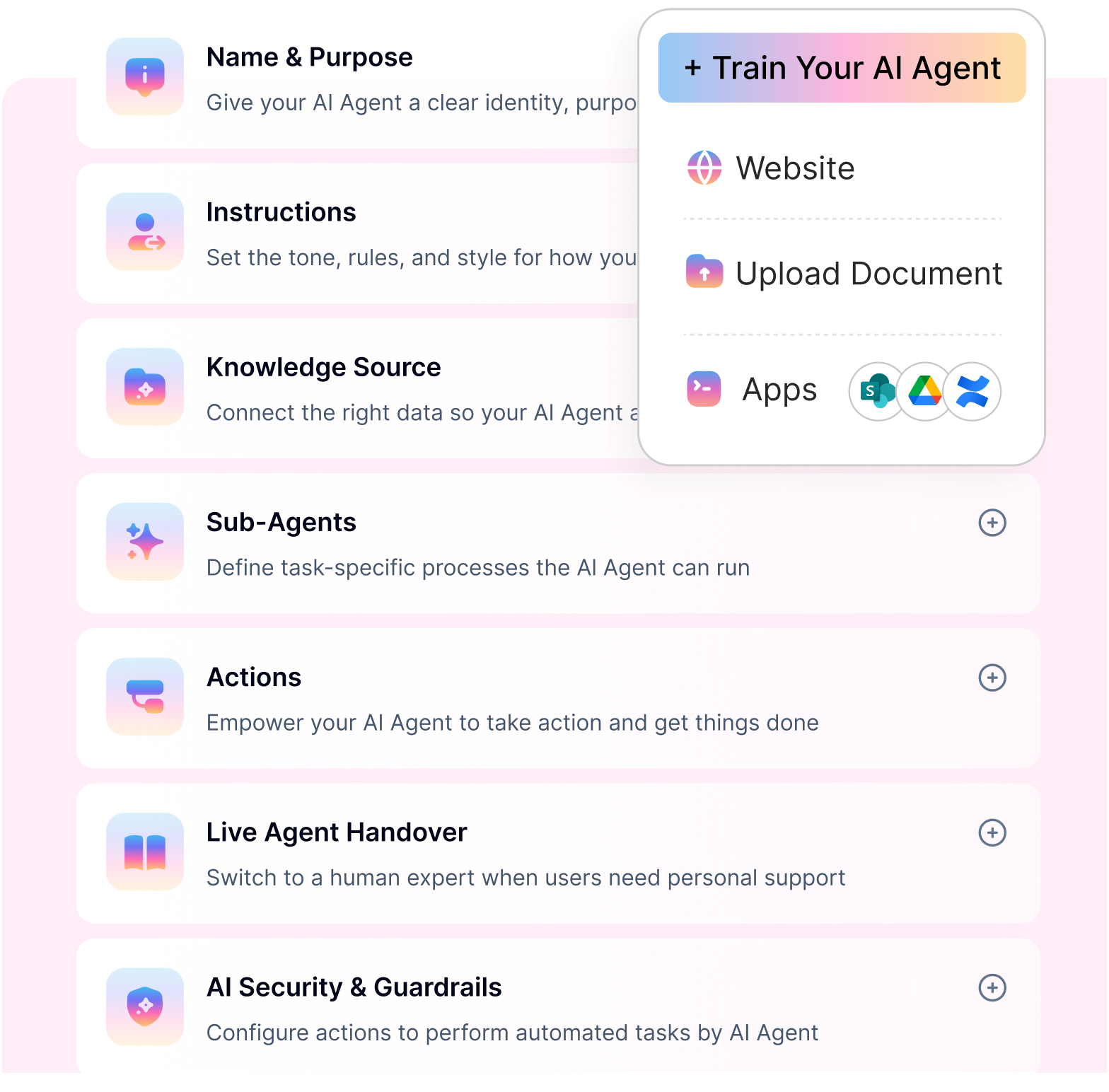
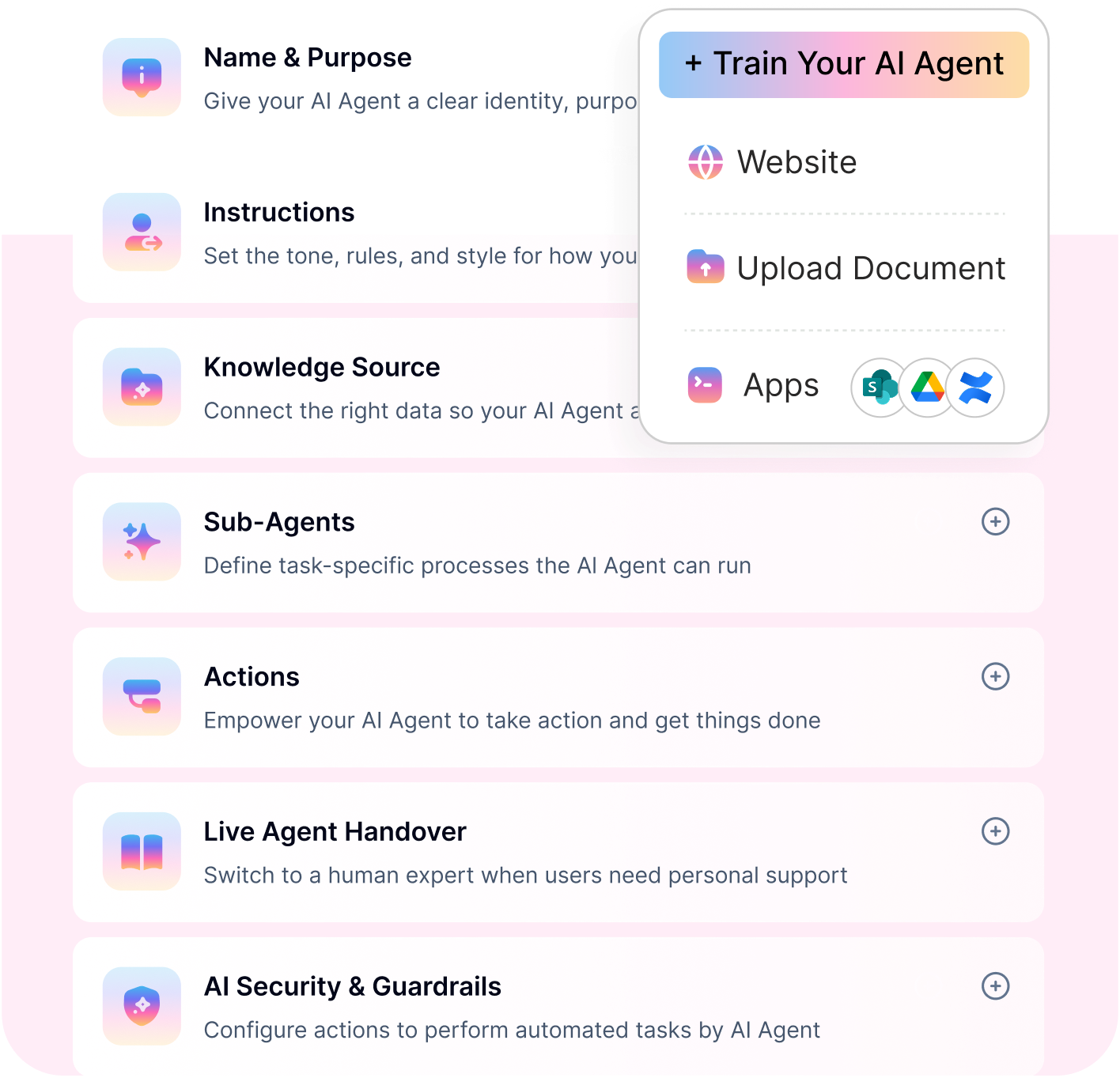
Glean vs Moveworks Which Platform Delivers Faster Employee Issue Resolution in 2030 (4)
  • Business plan ($349/month) – Comes with higher session limits, advanced integrations, analytics, and automation features needed for production use.

  • Enterprise plan (custom) – Designed for large organizations requiring compliance, RBAC, SSO, and tailored deployment, without forcing unnecessary long-term lock-ins.

The key difference lies in how costs scale. Workativ prices by sessions, not employee count or opaque enterprise bundles. This means organizations pay based on actual usage rather than total workforce size—avoiding inflated costs when only a subset of employees actively use the AI agent. 

Glean, by contrast, does not publish pricing and requires a sales-led process with custom quotes, minimum seat commitments, and contract negotiations before buyers see real numbers.

Outcome-aligned pricing vs per-user licensing

Workativ’s pricing is designed around usage and automation value, not total employee headcount. Costs scale based on how much the AI agent is actually used—such as interactions handled, workflows executed, or requests resolved.

Glean uses per-user, per-month pricing, with reported starting costs of ~$50+ per user. As headcount grows, spend increases automatically, even if only a fraction of employees actively use the platform.

AI agents and automation are included by default

Workativ includes AI agents, workflow automation, integrations, and execution capabilities as part of its core packages. There are no separate AI add-ons required to move beyond answers into action.

With Glean, advanced AI and agent-style capabilities are often sold as add-ons, increasing per-user cost and making total pricing harder to predict as AI usage expands.

Faster time to market, lower deployment cost

Workativ is built for rapid deployment, often going live in weeks rather than months. Its no-code configuration reduces dependency on professional services and minimizes internal setup effort.

Glean deployments frequently involve longer onboarding cycles, data indexing, tuning, and support engagement—contributing to higher implementation and operational overhead.

Lower total cost of ownership (TCO)

Workativ’s pricing structure helps keep total cost of ownership predictable:

  • No mandatory headcount-based scaling

  • No paid POCs required

  • Automation included without extra licensing

  • Reduced reliance on professional services

Glean’s TCO often grows beyond the headline per-user price once AI add-ons, support fees, integration effort, and renewal uplifts are factored in.

Easier ROI justification for IT and HR teams

Because Workativ pricing is tied to requests handled and workflows completed, teams can directly map spend to outcomes such as tickets deflected, time saved, and operational cost reduction.

Glean’s ROI is harder to quantify beyond time saved searching, since execution still happens in downstream systems that are priced separately.

For organizations focused on measurable efficiency, predictable spend, and faster value realization, Workativ’s pricing model aligns more closely with how modern AI platforms are expected to deliver ROI.

Choosing between Glean and Workativ in 2026

Choosing between Glean and Workativ depends on whether your organization prioritizes enterprise-wide knowledge productivity or employee support automation.

Choose Glean if your primary objective is helping employees discover information across workplace applications, receive contextual AI assistance, and build agents using enterprise knowledge.

Consider Workativ if your organization primarily needs to automate HR and IT support, resolve repetitive employee requests, and execute connected workflows through channels such as Microsoft Teams and Slack.

Before deciding, compare the two platforms using four practical metrics: total annual cost, active adoption, cost per completed request, and time saved.

For HR and IT teams, a focused pilot using real employee support scenarios can provide a more useful comparison than evaluating license prices alone.

Ready to compare costs? Explore Workativ pricing to evaluate session-based employee support automation against your expected usage.

👉 See how Workativ lowers employee support AI costs—book a demo today.

FAQs

1. How much does Glean cost per user in 2026?

Glean does not publish a universal per-user subscription price. Third-party estimates commonly range from approximately $10 to $50 per user per month, depending on contract size and negotiated terms. Enterprise Flex pricing also includes applicable FlexCredit consumption for advanced AI capabilities, so the final cost can exceed the base seat rate.

2. Does Glean charge extra for AI agents?

Under Glean Enterprise Flex, Glean Agent runs consume FlexCredits based on execution complexity. Credit consumption can vary according to workflow steps, AI models, connectors, and tools used. Buyers should confirm included allowances and contracted credit pricing before estimating agent costs.

3. What is the minimum contract size for Glean?

Glean uses custom enterprise contracts rather than a universally published minimum subscription. Some third-party reports reference minimum commitments of 50–100 seats, but buyers should confirm current requirements directly with Glean because these figures are not official universal thresholds.

4. Does Glean offer a free trial or proof of concept?

Glean primarily uses a sales-led evaluation process rather than a universally available self-service free trial. Organizations should ask whether they can conduct a proof of concept using their own enterprise data, how long the evaluation lasts, and whether any fees apply.

5. What is the difference between Glean and Workativ pricing?

Glean combines enterprise seat licensing with applicable FlexCredit usage, while Workativ uses session-based pricing without per-employee licensing fees. Glean serves broad enterprise knowledge and AI productivity needs, while Workativ specializes in HR and IT employee support automation. The more economical option depends on adoption, usage, and implementation requirements.

6. Is Glean or Workativ better for employee support automation?

Both platforms provide AI agents and workflow capabilities. Glean is particularly relevant for organizations combining enterprise knowledge access with cross-application AI workflows. Workativ is designed for employee support scenarios such as HR policy assistance, IT ticket management, onboarding, and connected request resolution.

Organizations should compare integration coverage, automation completion rates, governance, and total cost for their specific use cases rather than selecting a platform based on pricing alone.

TwitterLinkedInFacebook

About the Author

Deepa Majumder

Deepa Majumder

linkedin

Senior content writer

Deepa Majumder is a writer who nails the art of crafting bespoke thought leadership articles to help business leaders tap into rich insights in their journey of organization-wide digital transformation. Over the years, she has dedicatedly engaged herself in the process of continuous learning and development across business continuity management and organizational resilience.

Her pieces intricately highlight the best ways to transform employee and customer experience. When not writing, she spends time on leisure activities.

Auto-resolve 60% of Your Employee

Queries With AI Agents & Automation

  • No credit card required
  • Setup in minutes
  • Cancel Anytime
Book a Demo