
Automate employee self-service updates, payroll enquires, employee onboarding, salary advice, apply leave, and expense claims with chatbot for SAP Success Factors.
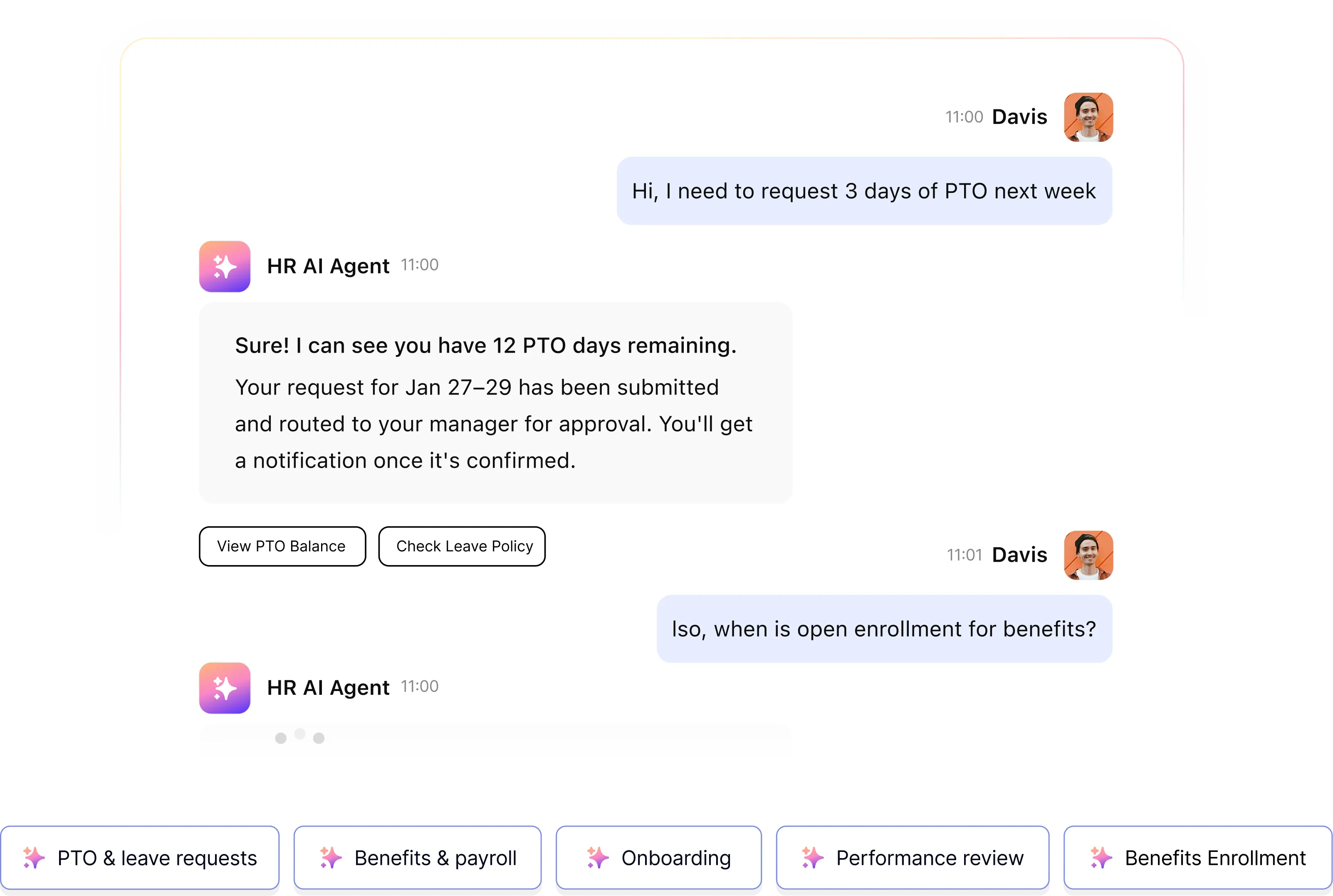

Workativ's Al agent platform gives you everything to automate SAP Success Factors tasks and deliver employee support in Slack and Teams.
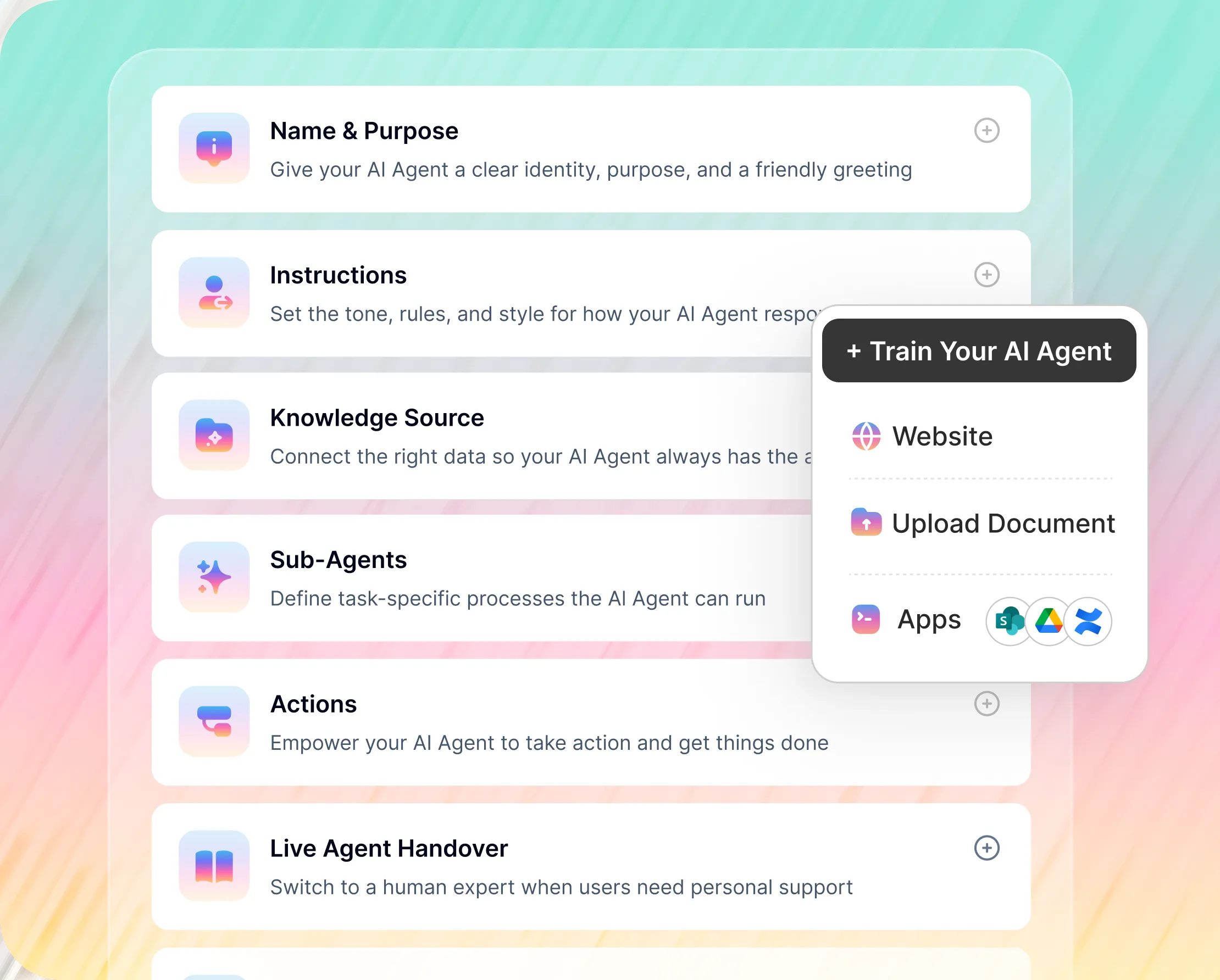
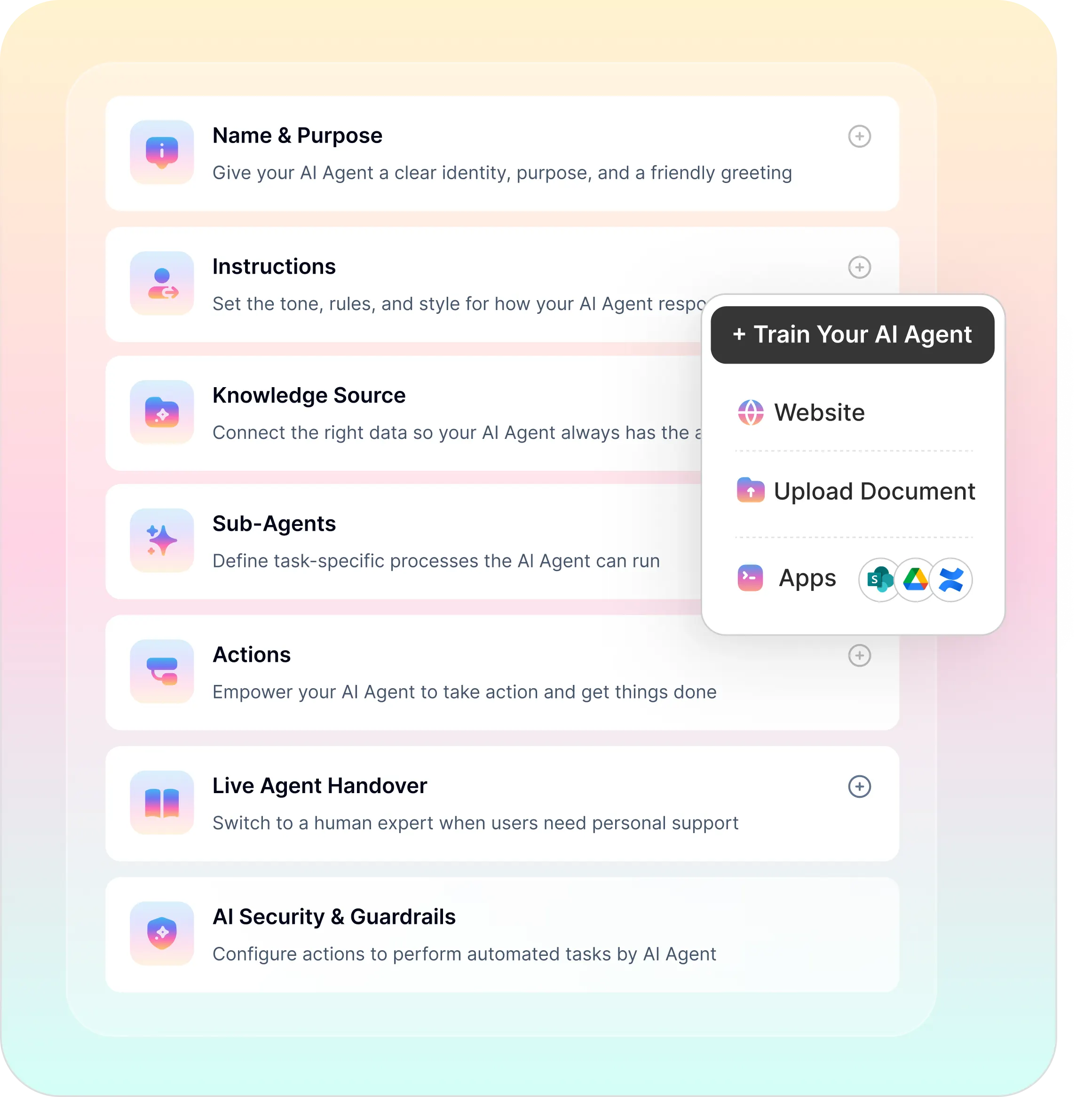
Add, remove, or optimise new topics for your SAP Success Factors chatbot easily based on your requirement. No coding. No developer. Ready in minutes.
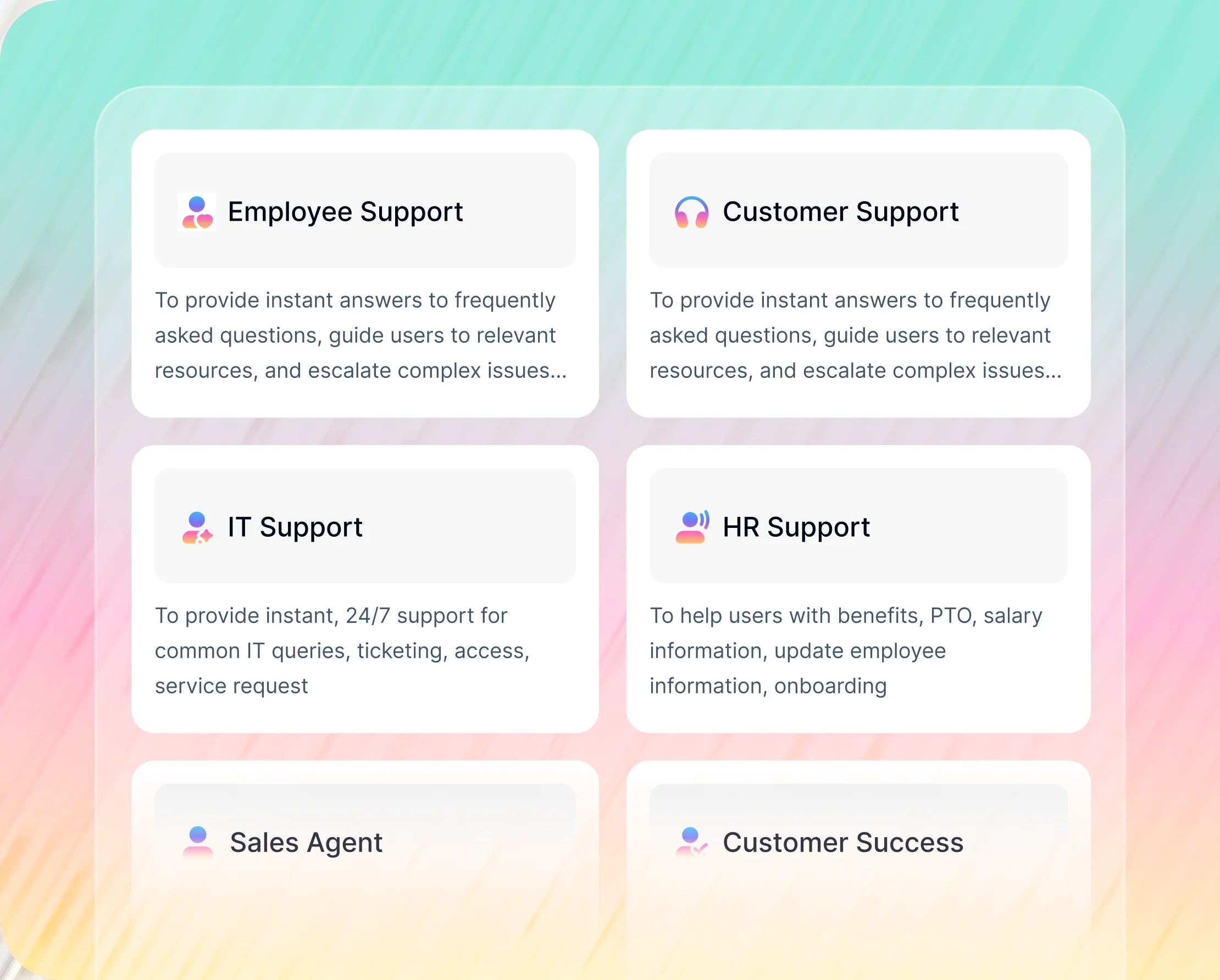
Workativ ships with pre-built agent templates for the most common HR use cases salary enquires, apply leave, expense claims, policy searches, employee onboarding / offboarding and more.
The most common SAP Success Factors HR requests handled automatically by the chatbot in Slack and Teams, without employees logging into SAP Success Factors.

Employees check their live SAP Success Factors PTO balance and submit leave requests from Slack or Teams — no portal login, no email to HR.

Employees ask about pay dates, access payslips, or query deductions answered from SAP Success Factors in seconds, without raising a ticket.

Employees ask for ticket status and get a live update from SAP Success Factors instantly, without a portal login or email follow-up.

Employees update address, emergency contacts, or bank details via the chatbot without logging into the SAP Success Factors portal or emailing HR.

Employees submit or check timesheet status in Slack or Teams. Chatbot logs the entry in SAP Success Factors and confirms no portal needed.

New hires complete SAP Success Factors onboarding tasks form submissions, policy acknowledgements, document uploads guided step by step in Slack.

Vice President, HR Operations
Workativ's no-code platform is purpose-built for IT teams, not developers. No custom integration work.

Reduce your Mean Time To Resolution to seconds.


Reduce emails and call volumes with
instant auto-resolution.


Scale your support instantly with ease.
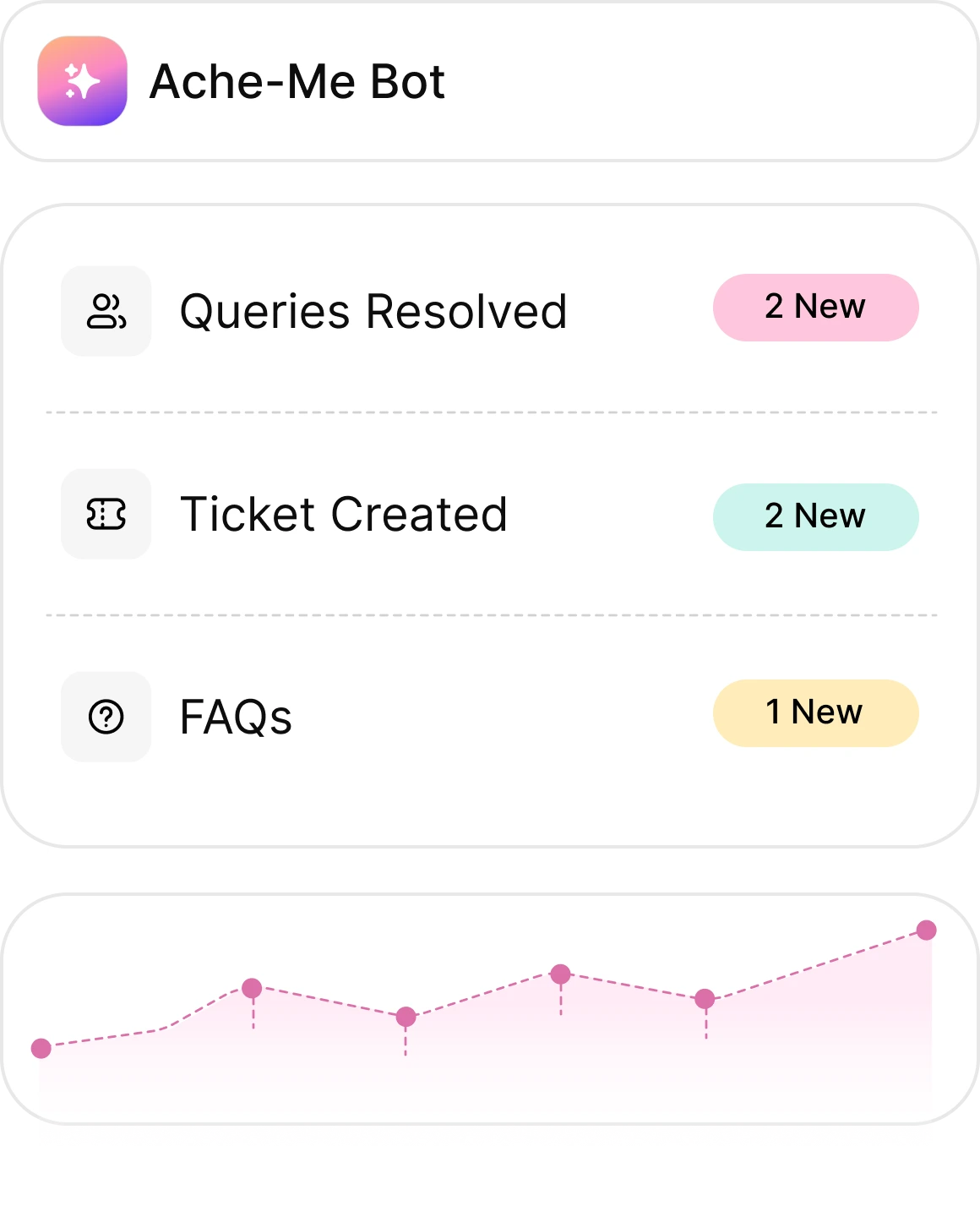
Connect SAP Success Factors to Slack or Teams with a pre-built chatbot no code, no implementation partner, no wait.
Questions CHROs, HR Directors, and People Operations leaders ask about SAP Success Factors chatbot integration.
A SAP SuccessFactors chatbot is an AI agent that enables employees and managers to complete HR tasks conversationally, including checking leave balances, submitting time-off requests, viewing onboarding status, and updating personal information directly from Slack or Microsoft Teams instead of the SAP SuccessFactors portal.
A basic FAQ bot explains HR policies. Workativ's SAP SuccessFactors chatbot reads from and writes directly to SAP SuccessFactors, allowing employees to submit leave requests, managers to view team rosters, and new hires to track onboarding tasks without logging into the HR system.
Employees can message the chatbot in Slack with requests such as 'How many PTO days do I have left?' or 'Submit my leave for next week.' The chatbot retrieves or updates the relevant SAP SuccessFactors records and confirms the outcome in the same Slack conversation.
As a native Microsoft Teams app, employees and managers can check compensation letters, approve leave requests, review onboarding checklists, or update personal information, with every action synchronized to SAP SuccessFactors in real time.
Workativ automates leave balance inquiries and leave requests, onboarding and offboarding task tracking, organizational chart and manager lookups, employee profile updates, and downstream IT provisioning such as account creation when SAP SuccessFactors marks a new hire as ready.
Workativ integrates SAP SuccessFactors with Azure AD, Okta, Microsoft 365, ServiceNow, Slack, Microsoft Teams, and 100+ additional applications, enabling HR events in SAP SuccessFactors to automatically trigger IT actions such as account creation and access provisioning.
With pre-built SAP SuccessFactors API integrations and ready-made templates for common HR self-service requests, most organizations can deploy within 5–7 days without custom development.
Sensitive or exceptional requests, such as compensation changes or leave disputes, are automatically routed to the appropriate HR team with complete request context, while routine policy-based requests are handled without manual intervention.
SAP SuccessFactors' native AI focuses on HR workflows within the SAP ecosystem. Workativ extends those capabilities into Slack and Microsoft Teams while integrating with external IT systems, bridging the gap between HR events like new-hire approval and IT actions such as laptop provisioning and account setup.
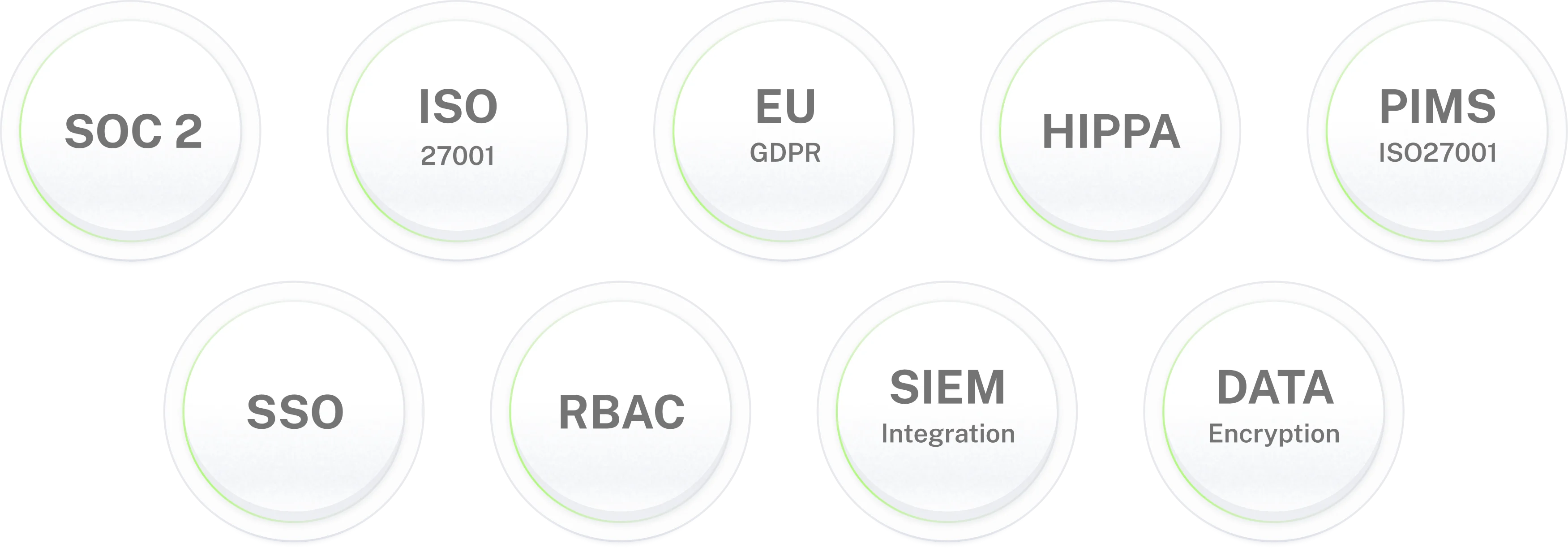
Yes. Workativ is SOC 2 Type II, ISO 27001, GDPR, and HIPAA compliant, with role-based access control, field-level data masking, audit logs, and MFA/SSO to protect sensitive HR data stored in SAP SuccessFactors.




'/%3e%3cpath%20d='M7.53747%209.7499L4.18595%209.72912C3.89511%209.72912%203.66314%209.49022%203.66314%209.20285C3.66314%209.08859%203.70122%208.98126%203.76701%208.89124L8.69389%202.30244C10.2589%203.46925%2010.5809%205.68513%209.41059%207.2501L7.53747%209.7499Z'%20fill='url(%23paint1_linear_217_318)'/%3e%3cdefs%3e%3clinearGradient%20id='paint0_linear_217_318'%20x1='7.3717'%20y1='1.41211'%20x2='9.07645'%20y2='11.0799'%20gradientUnits='userSpaceOnUse'%3e%3cstop%20stop-color='%239DC9FC'/%3e%3cstop%20offset='0.6866'%20stop-color='white'/%3e%3c/linearGradient%3e%3clinearGradient%20id='paint1_linear_217_318'%20x1='9.68512'%20y1='1.62241'%20x2='6.91576'%20y2='7.45173'%20gradientUnits='userSpaceOnUse'%3e%3cstop%20stop-color='%239DC9FC'/%3e%3cstop%20offset='0.7152'%20stop-color='white'/%3e%3c/linearGradient%3e%3c/defs%3e%3c/svg%3e)


%20--%3e%3csvg%20version='1.1'%20id='Layer_1'%20xmlns='http://www.w3.org/2000/svg'%20xmlns:xlink='http://www.w3.org/1999/xlink'%20x='0px'%20y='0px'%20viewBox='0%200%20512%20512'%20style='enable-background:new%200%200%20512%20512;'%20xml:space='preserve'%3e%3cstyle%20type='text/css'%3e%20.st0{fill:%23F7F7F7;}%20.st1{fill:%2328E4C3;}%20.st2{fill:url(%23SVGID_1_);}%20.st3{fill:url(%23SVGID_2_);}%20%3c/style%3e%3ccircle%20class='st0'%20cx='256'%20cy='256'%20r='245.5'/%3e%3cg%3e%3cg%3e%3cpath%20class='st1'%20d='M304.7,405.6'/%3e%3c/g%3e%3c/g%3e%3cg%3e%3cg%3e%3cpath%20class='st1'%20d='M305.8,353'/%3e%3c/g%3e%3c/g%3e%3clinearGradient%20id='SVGID_1_'%20gradientUnits='userSpaceOnUse'%20x1='388.1461'%20y1='99.0534'%20x2='204.4846'%20y2='204.5899'%20gradientTransform='matrix(1%200%200%20-1%200%20514)'%3e%3cstop%20offset='0.18'%20style='stop-color:%230052CC'/%3e%3cstop%20offset='1'%20style='stop-color:%232684FF'/%3e%3c/linearGradient%3e%3cpath%20class='st2'%20d='M119.9,330.3c-3,4.9-6.4,10.7-9.3,15.3c-2.6,4.4-1.2,10,3.1,12.7l60.7,37.4c4.4,2.7,10.1,1.3,12.9-3%20c0,0,0.1-0.1,0.1-0.1c2.4-4.1,5.6-9.3,9-15c24-39.7,48.2-34.8,91.9-14l60.2,28.6c4.7,2.2,10.2,0.2,12.4-4.4c0-0.1,0.1-0.2,0.1-0.3%20l28.9-65.4c2-4.7,0-10.1-4.7-12.2c-12.7-6-38-17.9-60.7-28.9C242.6,241.2,173.1,243.7,119.9,330.3z'/%3e%3clinearGradient%20id='SVGID_2_'%20gradientUnits='userSpaceOnUse'%20x1='613.0198'%20y1='1773.9866'%20x2='429.3116'%20y2='1879.5697'%20gradientTransform='matrix(-1%200%200%201%20736.83%20-1676.71)'%3e%3cstop%20offset='0.18'%20style='stop-color:%230052CC'/%3e%3cstop%20offset='1'%20style='stop-color:%232684FF'/%3e%3c/linearGradient%3e%3cpath%20class='st3'%20d='M392.1,181.9c3-4.9,6.4-10.7,9.3-15.3c2.6-4.4,1.2-10-3.1-12.7l-60.7-37.4c-4.3-2.9-10.1-1.7-13,2.5%20c-0.1,0.2-0.2,0.4-0.3,0.6c-2.4,4.1-5.6,9.3-9,15c-24,39.7-48.2,34.8-91.9,14l-60-28.5c-4.7-2.2-10.2-0.2-12.4,4.4%20c0,0.1-0.1,0.2-0.1,0.3L122,190.2c-2,4.7,0,10.1,4.7,12.2c12.7,6,38,17.9,60.7,28.9C269.4,271,338.9,268.4,392.1,181.9z'/%3e%3c/svg%3e)



%20--%3e%3csvg%20version='1.1'%20id='Layer_1'%20xmlns='http://www.w3.org/2000/svg'%20xmlns:xlink='http://www.w3.org/1999/xlink'%20x='0px'%20y='0px'%20viewBox='0%200%20512%20512'%20style='enable-background:new%200%200%20512%20512;'%20xml:space='preserve'%3e%3cstyle%20type='text/css'%3e%20.st0{fill:%23EB3C00;}%20.st1{fill:%23FFFFFF;}%20%3c/style%3e%3ccircle%20class='st0'%20cx='256'%20cy='256'%20r='245.5'/%3e%3cpath%20class='st1'%20d='M152.2,332.7v-152L286.7,131l73.1,23.4V359l-73.1,22L152.2,332.7l134.4,16.2V171.9L199,192.4v119.8L152.2,332.7%20z'/%3e%3c/svg%3e)

'%3e%3cpath%20d='M1.86774%200H2.41284C2.55325%200.0357914%202.8438%200.0814543%202.96023%200.144319C3.57556%200.476574%204.24389%200.994086%204.78094%201.44029C4.90785%201.49857%205.14031%201.69076%205.26616%201.78501L6.30254%202.56565L9.23874%204.76784L9.98605%205.32579C10.1165%205.42327%2010.3896%205.61784%2010.4874%205.73305C10.5933%205.62723%2010.7819%205.49083%2010.9035%205.39513C11.2293%205.13895%2011.5711%204.89897%2011.9015%204.64888L14.841%202.43616C15.2641%202.11793%2015.808%201.74101%2016.2059%201.4114C16.7548%201.01773%2017.2984%200.503308%2017.8952%200.193124C18.0888%200.0925009%2018.3311%200.0707975%2018.4996%200.00453492L18.511%200H19.1089C19.2716%200.0419345%2019.4446%200.0664859%2019.6017%200.126337C20.3949%200.428494%2020.8251%201.03647%2020.9795%201.84719V4.05546L17.6977%206.51872L16.7256%207.24655C16.6175%207.32813%2016.3229%207.56223%2016.2176%207.62326L16.2116%207.64067C16.0556%207.74125%2015.7554%207.98423%2015.5914%208.10717L14.2347%209.12565C12.9949%2010.0567%2011.7226%2010.9908%2010.4942%2011.9326C10.3311%2011.8196%2010.1521%2011.6753%209.99028%2011.5543L8.91562%2010.7499L6.14505%208.67116C5.6887%208.32244%205.22946%207.97753%204.76737%207.63644L4.76105%207.62385C4.64747%207.54843%204.4662%207.40207%204.35254%207.31617L3.58531%206.74057L0.993507%204.79937C0.666643%204.55579%200.329975%204.28777%200%204.0539V1.89895C0.0211067%201.8406%200.034732%201.7287%200.0477586%201.66355C0.195443%200.924862%200.778193%200.297181%201.50398%200.095359C1.61897%200.0633797%201.74239%200.0411929%201.85419%200.00451034L1.86774%200Z'%20fill='%23EB4337'/%3e%3cpath%20d='M18.5112%200H19.109C19.2718%200.0419345%2019.4448%200.0664859%2019.6018%200.126337C20.395%200.428494%2020.8252%201.03647%2020.9797%201.8472V4.05546L17.6978%206.51872L16.7258%207.24655C16.6176%207.32813%2016.3231%207.56223%2016.2177%207.62326C16.2065%207.10816%2016.2151%206.56484%2016.215%206.04638L16.2148%203.13227L16.2154%201.98927C16.2154%201.85241%2016.2236%201.52684%2016.2061%201.4114C16.755%201.01773%2017.2986%200.503308%2017.8953%200.193124C18.089%200.0925009%2018.3312%200.0707975%2018.4998%200.00453492L18.5112%200Z'%20fill='%23FCBC03'/%3e%3cpath%20d='M1.86774%200H2.41284C2.55325%200.0357914%202.8438%200.0814543%202.96023%200.144319C3.57556%200.476574%204.24389%200.994086%204.78094%201.44029C4.75802%201.55136%204.76536%201.81314%204.76577%201.93571L4.7683%202.76769L4.76727%206.06197L4.76854%207.06889C4.76879%207.22294%204.77708%207.48131%204.76105%207.62385C4.64746%207.54843%204.4662%207.40207%204.35254%207.31617L3.58531%206.74057L0.993506%204.79937C0.666643%204.5558%200.329975%204.28777%200%204.0539V1.89895C0.0211067%201.8406%200.034732%201.7287%200.0477586%201.66355C0.195443%200.924862%200.778193%200.297181%201.50398%200.095359C1.61897%200.0633798%201.74239%200.0411929%201.85419%200.00451034L1.86774%200Z'%20fill='%23C62220'/%3e%3cpath%20d='M0%204.05371C0.329975%204.28758%200.666643%204.5556%200.993507%204.79918L3.58531%206.74038L4.35254%207.31598C4.4662%207.40188%204.64747%207.54824%204.76105%207.62365L4.76737%207.63625C4.79294%207.81891%204.78411%208.19988%204.78406%208.39833L4.78312%209.71796L4.78339%2014.2476C4.7834%2014.4489%204.8101%2015.6601%204.76016%2015.7263C4.75851%2015.7284%204.75656%2015.7304%204.75498%2015.7326C4.75244%2015.7361%204.75024%2015.74%204.74778%2015.7435C4.7463%2015.7457%204.74469%2015.7477%204.74315%2015.7498H1.23433C1.02953%2015.6658%200.870008%2015.6564%200.656526%2015.5145C0.258114%2015.2497%200.102217%2014.9456%200%2014.4978V4.05371Z'%20fill='%234185F5'/%3e%3cpath%20d='M20.9794%204.05566V14.5025C20.828%2015.1172%2020.5387%2015.5356%2019.8875%2015.6981C19.8377%2015.7104%2019.7443%2015.7302%2019.7008%2015.7502H16.235C16.1758%2015.6436%2016.1987%2013.9178%2016.1987%2013.683L16.199%2010.2145L16.1984%208.51668C16.1982%208.31838%2016.1872%207.81396%2016.2115%207.64088L16.2175%207.62347C16.3228%207.56244%2016.6174%207.32834%2016.7255%207.24676L17.6976%206.51892L20.9794%204.05566Z'%20fill='%2333A953'/%3e%3c/g%3e%3cdefs%3e%3cclipPath%20id='clip0_1380_1288'%3e%3crect%20width='20.9795'%20height='15.75'%20fill='white'/%3e%3c/clipPath%3e%3c/defs%3e%3c/svg%3e)
%20--%3e%3csvg%20version='1.1'%20id='Layer_1'%20xmlns='http://www.w3.org/2000/svg'%20xmlns:xlink='http://www.w3.org/1999/xlink'%20x='0px'%20y='0px'%20viewBox='0%200%20512%20512'%20style='enable-background:new%200%200%20512%20512;'%20xml:space='preserve'%3e%3cstyle%20type='text/css'%3e%20.st0{fill:%230062FF;}%20.st1{fill:%23FFFFFF;}%20%3c/style%3e%3ccircle%20class='st0'%20cx='256'%20cy='256'%20r='245.5'/%3e%3cpath%20class='st1'%20d='M256,162.5l-91,58.2l91,58.2l-91,58.2l-91-59.1l91-58.2l-91-57.3l91-58.2L256,162.5z%20M164.1,355.5l91-58.2%20l91,58.2l-91,58.2L164.1,355.5z%20M256,278.1l91-58.2l-91-57.3l91-58.2l91,58.2l-91,58.2l91,58.2l-91,58.2L256,278.1z'/%3e%3c/svg%3e)

