
Moveworks Reviews 2026: Pricing, Pros, Cons & Best Alternatives
Moveworks reviewed for HR and IT teams - capabilities, real pricing, implementation time, and who it fits best. Read the full breakdown before you decide.


TL;DR
Moveworks delivers strong enterprise-grade automation, but its pricing and complexity make it less accessible for SMBs and fast-growing teams.

Its per-employee pricing model and ServiceNow dependency can lead to high costs and reduced flexibility as organizations scale.
While powerful for IT and HR workflows, implementation often requires significant setup effort, time, and ongoing customization.
Platforms like Workativ offer faster deployment, no-code flexibility, and usage-based pricing, making automation more practical and scalable.
Moveworks reviews show a clear pattern: it is a powerful AI employee support platform for large enterprises, but it may not be the easiest fit for every team.
Moveworks is widely known for automating IT, HR, and internal service requests through conversational AI. It helps employees get answers, complete workflows, and reduce dependency on support teams. For large organizations with mature ITSM systems, deep ServiceNow usage, and enterprise automation budgets, Moveworks can deliver strong value.
But many buyers compare Moveworks alternatives because they want something faster to launch, easier to customize, and more predictable to scale. Pricing is quote-based, deployments can involve heavy setup, and teams outside the ServiceNow ecosystem may need additional integration effort.
This review breaks down what users like about Moveworks, where teams may face friction, how pricing works, and when Workativ becomes a more practical option for companies that want AI-powered employee support without enterprise overhead.
What is Moveworks?
Moveworks is an AI-powered employee support platform that automates IT, HR, and internal service requests. It positions itself as a “single front door” for employees to get help, resolving issues such as password resets, software access, HR policy questions, and workflow-based requests through conversational AI.
In March 2025, ServiceNow announced plans to acquire Moveworks for $2.85 billion, and the acquisition was completed on December 15, 2025. This brought Moveworks into the ServiceNow portfolio and positioned it more closely with enterprise workflow automation, AI assistants, and IT service management. ServiceNow has also stated that Moveworks can be acquired either as a standalone AI solution or as an integrated part of a ServiceNow deployment, which gives enterprise buyers flexibility but still makes the ServiceNow roadmap important to evaluate.
How does Moveworks work?
Moveworks uses natural language understanding and AI reasoning to identify employee intent, pull answers from connected knowledge sources, and trigger workflows across enterprise systems like ServiceNow, identity providers, and HR tools.
At its core, the platform:
Interprets employee requests in natural language
Maps intent to predefined workflows or knowledge articles
Executes actions across IT and HR systems
Escalates to human agents when automation fails
While the technology is sophisticated, it is also expensive and operationally heavy. Across multiple review platforms, users consistently point out that Moveworks requires significant setup effort, ongoing configuration, and enterprise-level budgets. For many teams, especially outside Fortune-scale organizations, this makes adoption and scaling difficult.
With the ServiceNow acquisition, customers are also seeking clarity: Will Moveworks become more accessible—or even more enterprise-locked? This review aims to answer that.
Moveworks reviews: What users are saying in 2026
Before diving into features and pricing, it’s important to understand how real customers experience Moveworks day to day. Reviews from platforms like G2 reveal a consistent pattern: strong enterprise capabilities paired with high cost and complexity.
Fast self-service IT support for everyday tasks
Moveworks is especially helpful for quick IT requests, such as password resets and access issues, allowing problems to be resolved in minutes without opening a ticket. It saves time by reducing back-and-forth with IT support and delivers instant answers directly in Slack. This makes it easier to handle small, recurring tasks and maintain a smoother, more productive workday.

Slower response times and complex integrations
Moveworks can feel slow to respond, which impacts the overall user experience, especially when quick resolutions are expected. Integration can also be challenging for organizations running older or legacy software setups, as connecting Moveworks to existing systems often requires significant effort and technical involvement. The platform tends to work better in environments already aligned with modern tools like iServe, making it less flexible for teams with diverse or outdated infrastructure.

Smarter AI-driven assistance with better context awareness
Moveworks has introduced meaningful improvements that enhance both employee experience and operational efficiency. Its conversational AI now offers proactive suggestions by anticipating employee needs, rather than only responding to questions. Upgrades to language understanding and context handling help resolve even complex requests faster, reducing frustration and limiting the need for manual escalations.

Advanced language understanding with end-to-end automation
Moveworks stands out for its strong natural language processing that accurately understands complex, multi-step employee requests. Its agentic automation can resolve issues end-to-end across IT, HR, and Finance systems without human involvement. This leads to faster ticket resolution and noticeable productivity improvements across teams.

Concerns around ServiceNow dependency and ecosystem lock-in
Some customers express concern that Moveworks may become increasingly optimized for the ServiceNow ecosystem over time. This creates uncertainty for organizations using other platforms like Jira or Freshservice, as long-term integration support may weaken. There is also concern that product innovation could slow as development efforts shift toward deeper ServiceNow integration rather than independent feature development.

Complex setup and limits in handling edge cases
While Moveworks is effective for most common IT issues, some complex or rare scenarios still require human intervention. Users also note that initial setup and ongoing customization can be time-consuming and often demand deep knowledge of both the platform and the existing IT environment. These challenges create friction during implementation, even though the tool's overall value remains strong.

Performance limitations in complex scenarios and setup effort
Moveworks can struggle in rare or highly complex situations that fall outside its core scope, often requiring human intervention. These handoffs can slow resolution times and reduce efficiency. Users also note that initial setup and customization require significant effort to ensure the platform aligns with organization-specific requirements.

Limited incremental value and ongoing tuning effort
Organizations that already have mature processes for software deployment, password resets, or account recovery may see limited additional value from Moveworks. Users also note that achieving accurate responses requires continuous fine-tuning, especially to ensure the right knowledge base articles are surfaced consistently.

High integration complexity and tuning effort
A frequent concern with Moveworks is the time and expertise required for deep integration and ongoing tuning. This becomes more pronounced outside of ServiceNow-centric environments, where setup and optimization can feel complex and resource-intensive.
Months to Deploy. Six-Figure Contracts
Moveworks is built for Fortune 500 budgets. Most teams need automation, not enterprise overhead.
Transparent pricing · Go live in days · No hidden costs
See How Workativ Works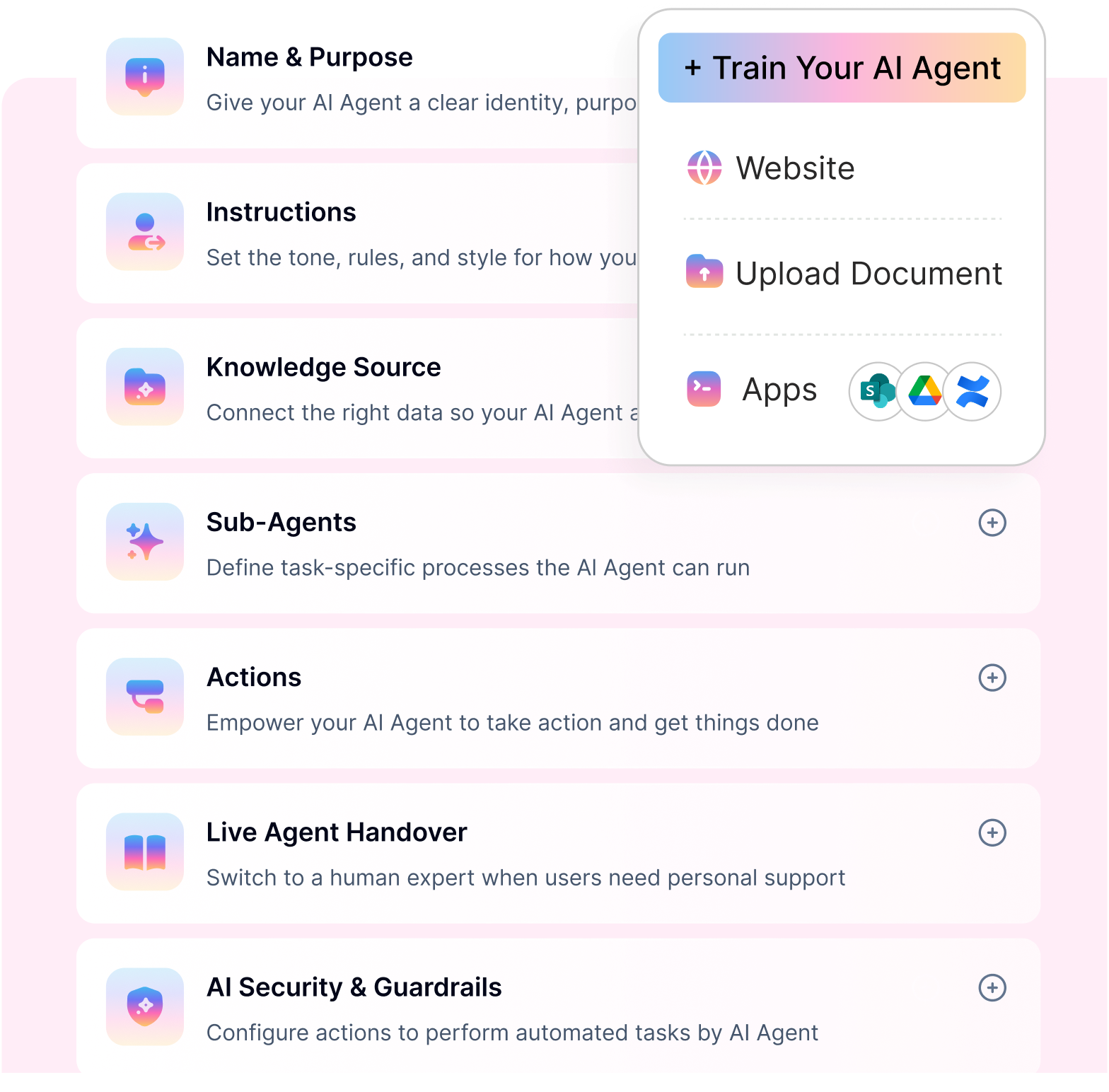
Key features that define Moveworks
Moveworks combines conversational AI, automation, and enterprise knowledge management to support large-scale employee operations. Below are the core features that define the platform:
AI copilot – A conversational interface that serves as a single front door for employees, handling IT and HR requests in natural language across tools like Slack and Microsoft Teams.
Agentic workflows – Moveworks allows the AI to autonomously execute multi-step workflows such as access requests, approvals, and software provisioning across enterprise systems.
Knowledge engine – Retrieves accurate answers from internal policies, IT documentation, HR handbooks, and enterprise knowledge bases in real time.
AI Studio – An administrative environment to configure intents, workflows, automation logic, and escalation paths for enterprise-scale deployments.
Knowledge Studio – Centralizes ingestion, organization, and governance of enterprise knowledge sources used by the AI for response generation.
Enterprise system integrations – Provides deep, native integrations with platforms like ServiceNow, HRIS tools, identity providers, and ITSM systems to enable end-to-end resolution.
Contextual understanding engine – Uses employee context such as role, department, location, and device to personalize responses and enforce enterprise policies.
Security and governance framework – Built with enterprise-grade security controls, compliance standards, role-based access, and auditability for large organizations.
Analytics and insights – Delivers reporting on automation coverage, resolution rates, and employee interaction trends, primarily tailored for enterprise IT and operations teams.
Strengths and limitations of Moveworks
Moveworks delivers strong value for large enterprises with complex internal operations, but its design choices create clear limitations—especially for SMBs and fast-growing organizations.
Pros:
Built for enterprise-scale employee support – Excels at handling complex IT and HR requests across large, distributed workforces.
Deep understanding of ITSM environments – Designed around enterprise helpdesk workflows, approvals, and compliance-heavy processes.
Strong ServiceNow ecosystem integration – Works seamlessly for organizations already deeply invested in ServiceNow.
Advanced conversational intelligence – Capable of interpreting nuanced employee intent across IT, HR, and internal operations.
Proven reliability at scale – Performs consistently in high-volume environments with thousands of daily employee interactions.
Cons:
Not suitable for SMBs and mid-market teams – The platform is overbuilt for smaller organizations that need speed, simplicity, and flexibility.
High pricing and long-term contracts – Quote-based, premium pricing makes cost forecasting and ROI challenging for growing teams.
ServiceNow lock-in concerns – Heavy dependence on ServiceNow creates switching friction and limits flexibility for non-ServiceNow stacks.
Slow time to value – Implementations often take months due to configuration complexity and enterprise dependencies.
Customization requires services – Many workflow and logic changes rely on professional services rather than self-serve configuration.
Limited experimentation and iteration – High setup costs discourage teams from piloting, testing, and scaling automation incrementally.
Popular use cases of Moveworks
Moveworks is mainly used by large enterprises to automate common internal support requests and reduce the load on IT and HR teams. Below are the most common ways organizations use Moveworks today:
IT support automation helps employees reset passwords, fix VPN issues, request software, and resolve common device problems without waiting for the helpdesk.
ITSM workflows with ServiceNow allow employees to raise incidents, request changes, and track ticket status directly through conversational AI.
HR employee self-service enables employees to get quick answers to questions about company policies, benefits, payroll timelines, and leave rules.
New hire onboarding support guides new employees through account setup, tool access, and required HR steps during their first days at work.
Access and permission management allows employees to request access to applications or systems while the AI manages approvals and provisioning steps.
Internal operations support helps teams find information related to finance, facilities, procurement, and other shared services.
Enterprise knowledge search gives employees a single place to find answers from scattered internal documents and knowledge bases.
These use cases show why Moveworks works well in large organizations, but they also explain why smaller teams may find the platform too complex and costly for their needs.
Enterprise cost. Startup speed.
Moveworks takes months and a six-figure budget. Workativ goes live in weeks, without enterprise overhead.
Is Moveworks worth it?
Moveworks can be worth it for large enterprises that have thousands of employees, high internal ticket volume, mature ITSM processes, and the budget to support a full enterprise rollout. If the company already uses ServiceNow heavily, Moveworks may also fit naturally into the broader service management roadmap.
But Moveworks may not be worth it for every organization. If your team needs to launch quickly, avoid long implementation cycles, test automation in phases, or manage costs based on actual usage rather than total headcount, the economics can become harder to justify.
Before choosing Moveworks, ask these questions:
Do we have enough employee support volume to justify an enterprise AI platform?
Do we have the internal IT resources to manage setup and continuous tuning?
Are we already invested in ServiceNow, or do we use a mixed tool stack?
Do we need a full enterprise deployment, or do we want to start with a focused HR or IT use case?
Can we clearly measure ROI through ticket deflection, time saved, faster resolution, and reduced manual workload?
For many enterprise buyers, Moveworks is a strong option. For SMBs and fast-growing teams, Workativ may be a better fit because it focuses on faster deployment, no-code configuration, broad integrations, and more flexible pricing.
Moveworks pricing and plans (2026)
Moveworks does not publicly list standard pricing on its website. Pricing is typically sales-led and depends on company size, employee count, modules, integrations, deployment scope, and contract terms. Third-party pricing sources suggest that Moveworks is often priced around employee headcount or company size rather than simple self-serve usage.
For buyers, the bigger issue is not only the per-employee number. It is the total cost of ownership. The final investment may include licensing, implementation support, workflow setup, integration work, knowledge tuning, and ongoing administration.
How Moveworks pricing works
Based on customer disclosures and aggregated reviews on platforms like G2, Moveworks typically charges $100–$200 per employee per year. While this may seem manageable in isolation, the total contract value escalates quickly. often reaching six-figure annual costs for mid-sized organizations.
Key pricing drivers include:
Employee count: Pricing scales with the total number of employees supported, regardless of how frequently the AI is used.
Workflow complexity: Advanced IT and HR automations, approvals, and exception handling increase both implementation and ongoing costs.
Number of integrations: Deep integrations—especially within the ServiceNow ecosystem—add to setup effort and pricing scope.
Services and onboarding requirements: Most deployments require professional services, with onboarding timelines ranging from several weeks to multiple months.
Impact of the ServiceNow acquisition on pricing
The ServiceNow acquisition has introduced additional considerations for buyers:
Bundled pricing dynamics: Moveworks is increasingly positioned as an add-on or bundled capability within larger ServiceNow agreements, thereby increasing overall deal size.
Enterprise contract alignment: Customers often need to align Moveworks contracts with ServiceNow’s multi-year licensing cycles, reducing short-term flexibility.
Ecosystem dependency: Organizations outside the ServiceNow stack may face higher integration and customization costs to achieve comparable value.
Moveworks total cost of ownership: what buyers should calculate
When evaluating Moveworks pricing, do not only ask for the annual license cost. Calculate the full operational cost.
License cost
How is pricing calculated: total employees, active users, modules, departments, or workflows?
Implementation cost
Will setup require professional services, internal IT resources, or external consultants?
Integration cost
How much work is needed to connect ITSM, HRIS, identity, knowledge base, and approval systems?
Knowledge maintenance cost
Who will clean, update, and govern knowledge sources so the AI gives accurate answers?
Workflow change cost
Can your team edit workflows internally, or will changes require vendor support?
Contract flexibility
Can you start small, expand later, and avoid overcommitting before proving ROI?
Workativ is designed for teams that want to start with focused employee support automation, prove value quickly, and scale based on usage rather than committing to heavy enterprise overhead from day one.
What this means for SMBs vs enterprises
For large enterprises with thousands of employees, stable headcount, and existing ServiceNow investments, the economics can make sense. Automation at scale often justifies the cost, and long-term contracts align with enterprise procurement norms.
For SMBs and fast-scaling companies, however, the model is far less forgiving. High upfront commitments, long implementation cycles, and tighter coupling with ServiceNow create barriers to experimentation and incremental scaling. In many cases, the overhead outweighs the benefits, making Moveworks a strong enterprise solution, but a challenging fit for smaller, more agile teams.
Best alternative to Moveworks: How Workativ compares
Before we break down why Workativ is often chosen over Moveworks, it’s important to see how the two platforms differ not just in capabilities but in practical cost, deployment, and usability. Moveworks leans heavily into enterprise-grade contracts and ServiceNow-aligned pricing, which can be a hurdle for SMBs and mid-market teams. Workativ, by contrast, delivers flexible, outcome-driven automation that scales without locking teams into long contracts or enterprise overhead.
Why Workativ is a practical Moveworks alternative
Moveworks is built for large-scale enterprise automation. Workativ is built for teams that want the same outcome—faster employee support, fewer repetitive tickets, and automated workflows—without turning the project into a long enterprise transformation.
The difference is simple: Workativ helps teams move faster.
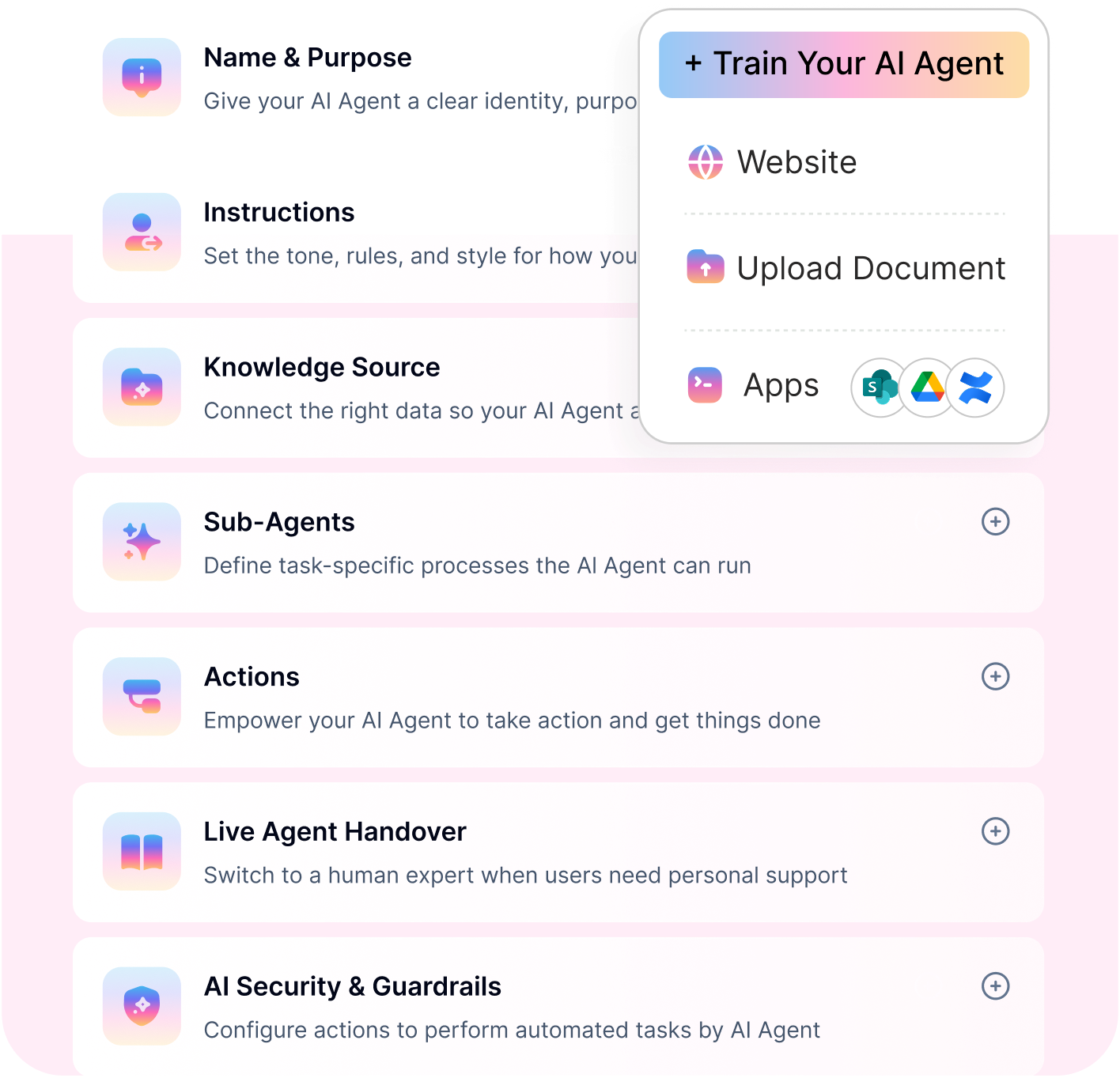
With Workativ, HR and IT teams can build AI agents, connect knowledge sources, automate employee workflows, and deploy support inside Slack, Microsoft Teams, web chat, and other workplace channels. Employees get answers and complete requests through conversation, while support teams stay in control of approvals, handoffs, analytics, and escalation rules.
Clear pricing structure
Workativ offers the following tiered pricing plans, which are billed monthly or annually.

Starter plan ($99) – Includes a generous number of sessions with core employee support capabilities, ideal for pilots and early adoption.
Business plan ($349/month) – Comes with higher session limits, advanced integrations, analytics, and automation features needed for production use.
Enterprise plan (custom) – Designed for large organizations requiring compliance, RBAC, SSO, and tailored deployment, without forcing unnecessary long-term lock-ins.
The key difference lies in how costs scale. Workativ prices by sessions, not employee count or opaque enterprise bundles. This means organizations pay based on actual usage rather than total workforce size, avoiding inflated costs when only a subset of employees actively use the AI agent.
1. Faster launch without heavy implementation
Workativ helps teams start with focused use cases such as HR policy Q&A, leave requests, onboarding support, IT ticket creation, password reset guidance, software access requests, and ticket status updates. Instead of waiting months for a full enterprise rollout, teams can launch high-impact workflows first and expand gradually.
2. No-code control for HR and IT teams
Many employee support workflows change frequently. Policies change. Approval chains change. Internal processes change. Workativ gives teams a no-code AI agent studio so they can update workflows, prompts, knowledge, and automation logic without depending on professional services for every small change.
3. Better fit for mixed tool stacks
Not every company runs everything through ServiceNow. Many teams use a mix of HRIS, ITSM, knowledge base, identity, collaboration, and ticketing tools. Workativ is useful for companies that need AI employee support across systems without being locked into one ecosystem.
4. Built for employee support outcomes
Workativ should not be positioned as “cheaper Moveworks.” It should be positioned as the faster, more flexible way to automate employee support across HR and IT.
The outcome is what matters: fewer repetitive tickets, faster answers, smoother employee experiences, and more time back for HR and IT teams.
NOT READY FOR A SIX-FIGURE COMMITMENT?
See how Workativ delivers enterprise-grade automation without the enterprise price tag.
Usage-based pricing · Fast deployment · Personalized demo
See Live DEMO in actionHead-to-head comparison: Moveworks vs Workativ
When comparing employee support AI platforms, the real difference shows up in who the platform is built for and how easily teams can scale without friction. While Moveworks is optimized for large, ServiceNow-heavy enterprises, Workativ is designed to serve both SMBs and enterprises with speed, flexibility, and predictable economics.
Category | Moveworks | Workativ |
Target market | Large enterprises | SMBs to enterprises |
Pricing | High, quote-based | Transparent, usage-based |
Time to deploy | Months | Weeks |
Customization | Services-led | 100% no-code |
Integrations | ServiceNow-centric | Tool-agnostic |
The right AI support platform should reduce work, not add more of it
Moveworks is a powerful platform for enterprise employee support. For large organizations with complex internal systems, high ticket volume, and deep ServiceNow usage, it can be a strong choice.
But not every team needs an enterprise-heavy rollout to solve employee support. Many companies simply need a faster way to answer repetitive questions, automate common HR and IT requests, and give employees help inside the tools they already use.
That is where Workativ becomes a practical alternative.
Workativ helps teams launch AI-powered employee support faster, automate workflows without code, connect existing systems, and scale support without adding unnecessary complexity. Instead of waiting months to prove value, teams can start with high-volume requests, reduce repetitive work, and expand automation as adoption grows.
The goal is not just to buy an AI assistant. The goal is to give employees instant help, give support teams their time back, and build an internal support experience that can grow with the business.
Want to see how this works in practice?. Book a demo with Workativ and explore how you can launch AI-powered employee support in weeks—not months—without enterprise friction or unpredictable costs.
Moveworks vs Workativ: which one should you choose?
Choose Moveworks if your company needs an enterprise AI assistant across thousands of employees, already has a mature ServiceNow environment, and has the budget and implementation resources for a large-scale rollout.
Choose Workativ if your company wants to automate employee support faster, connect HR and IT systems, launch AI agents without code, and avoid long implementation cycles or heavy contract commitments.
Moveworks is a better fit when:
You are a large enterprise with complex shared services
ServiceNow is already central to your internal operations
You need broad enterprise AI assistant coverage
You have internal resources for implementation and tuning
You are comfortable with sales-led enterprise pricing
Workativ is a better fit when:
You want to launch employee support automation quickly
You need no-code control over AI agents and workflows
You want to automate HR and IT support across mixed systems
You prefer predictable, flexible pricing
You want to start small, prove ROI, and scale gradually
FAQs
What do Moveworks reviews say about the platform?
Moveworks reviews are generally positive around AI-powered employee support, self-service IT help, natural language understanding, and workflow automation. However, some buyers also evaluate alternatives because of setup effort, pricing complexity, integration requirements, and fit for non-enterprise teams.
Is Moveworks good for SMBs?
Moveworks is usually a stronger fit for large enterprises than SMBs. Smaller teams may find the platform too complex or expensive if they only need focused HR and IT support automation. SMBs often need faster deployment, simpler configuration, and more flexible pricing.
Why do companies look for Moveworks alternatives?
Companies look for Moveworks alternatives when they want faster implementation, no-code customization, predictable pricing, broader tool flexibility, or a platform that is easier to adopt without a large enterprise IT team.
Is Moveworks only for ServiceNow customers?
Moveworks is now part of ServiceNow, but ServiceNow has stated that Moveworks can still be acquired as a standalone AI solution or as part of a ServiceNow deployment. Buyers should still evaluate how well Moveworks fits their current systems, especially if they use a mixed stack outside ServiceNow.
How much does Moveworks cost?
Moveworks does not publish standard pricing publicly. Pricing is usually quote-based and depends on company size, employee count, modules, integrations, and deployment scope. Buyers should calculate total cost of ownership, including implementation, integrations, services, and ongoing tuning.
What is the best Moveworks alternative?
Workativ is a strong Moveworks alternative for teams that want AI-powered employee support, no-code workflow automation, broad HR and IT integrations, and faster deployment without heavy enterprise overhead.
Moveworks vs Workativ: what is the main difference?
Moveworks is built primarily for large enterprise environments and is now part of the ServiceNow ecosystem. Workativ is designed for teams that want faster AI employee support automation, flexible integrations, no-code customization, and predictable scaling across HR and IT use cases.
'%3e%3cpath%20d='M11.5732%2031.7068L19.2977%2022.7433L11.5732%2011.5366H17.4664L22.6245%2018.942L29.0522%2011.5366H30.7788L23.4029%2020.0985L31.4127%2031.7086H25.4997L20.1231%2023.9069L13.3197%2031.7068H11.5732ZM16.6519%2012.8366H13.9536L26.354%2030.4462H28.9926L28.8265%2030.1576L16.6519%2012.8366Z'%20fill='%230C0C0C'/%3e%3c/g%3e%3cdefs%3e%3cclipPath%20id='clip0_505_14364'%3e%3crect%20width='19.7681'%20height='20.2432'%20fill='white'%20transform='translate(11.573%2011.5365)'/%3e%3c/clipPath%3e%3c/defs%3e%3c/svg%3e)

'%3e%3cpath%20d='M25.2175%2011.7557L26.9132%2011.911V15.0496C26.0135%2015.1444%2024.1746%2014.7452%2023.5821%2015.5947C23.4908%2015.726%2023.3291%2016.1592%2023.3291%2016.3091V19.002H26.7392L26.3346%2022.5281H23.3291V31.5952H19.707V22.5863L19.649%2022.5281H16.6628V19.002H19.707C19.7813%2017.4024%2019.4664%2015.7042%2020.1132%2014.1986C20.6748%2012.8902%2021.7857%2012.0974%2023.1666%2011.8435L23.7151%2011.7557H25.2183H25.2175Z'%20fill='%230C0C0C'/%3e%3c/g%3e%3cdefs%3e%3cclipPath%20id='clip0_505_14375'%3e%3crect%20width='10.2695'%20height='19.8027'%20fill='white'%20transform='translate(16.658%2011.7567)'/%3e%3c/clipPath%3e%3c/defs%3e%3c/svg%3e)
About the Author
Deepa Majumder

Senior content writer
Deepa Majumder is a writer who nails the art of crafting bespoke thought leadership articles to help business leaders tap into rich insights in their journey of organization-wide digital transformation. Over the years, she has dedicatedly engaged herself in the process of continuous learning and development across business continuity management and organizational resilience.
Her pieces intricately highlight the best ways to transform employee and customer experience. When not writing, she spends time on leisure activities.
Auto-resolve 60% of Your Employee
Queries With AI Agents & Automation
- No credit card required
- Setup in minutes
- Cancel Anytime