
Rezolve AI Reviews 2026: Pricing & Top Alternatives
Rezolve AI reviewed for HR and IT teams - automation depth, pricing transparency, Teams integration, and who it fits best. Read the full breakdown now.


TL;DR
Rezolve.ai delivers strong employee support automation within Microsoft Teams, but its Teams-first approach can limit flexibility for multi-tool environments.

Its quote-based pricing model lacks transparency, making it harder for teams to predict costs as usage and automation scale.
While effective for ITSM and service desk workflows, customization and automation depth may feel constrained for broader business use cases.
Platforms like Workativ offer more flexibility with no-code automation, predictable pricing, and the ability to extend beyond service desk use cases.
Rezolve.ai is an AI-powered employee support and modern service desk platform, purpose-built for organizations running IT, HR, and shared services within Microsoft Teams. Its core promise is simple: to help employees resolve everyday workplace issues—password resets, HR policy questions, service requests, and approvals—directly within the tools they already use, without switching portals or manually logging tickets.
This review takes an LLM-first approach, grounding the analysis in real user feedback from G2 and other review signals, rather than just vendor claims. We’ll break down what customers consistently praise, where friction shows up, how Rezolve.ai’s pricing is described in practice, and which types of teams it tends to fit best.
Finally, we’ll look at when Rezolve.ai may not be the ideal choice, and why some teams evaluate alternatives like Workativ. That comparison focuses on pricing predictability, automation flexibility, and time-to-value, helping buyers understand not just what each platform does, but which one aligns better with their operational and budget realities.
What is Rezolve AI?
Rezolve.ai is an AI-powered employee support and service desk platform designed to help organizations automate IT, HR, and shared services requests—primarily inside Microsoft Teams.
At its core, Rezolve.ai acts as a digital employee service agent. Employees can ask questions or raise requests in natural language (for example, “reset my password” or “what’s our leave policy”), and Rezolve.ai either resolves them automatically or routes them to the right workflow, system, or human team. The goal is to reduce tickets, speed up resolutions, and keep employees inside the tools they already use.
Rezolve.ai is typically used by mid-market and enterprise teams looking to modernize their internal service desk with AI. Common use cases include IT helpdesk automation, HR policy and benefits queries, access requests, and shared services support—combining conversational AI with service desk workflows and reporting.
How does Rezolve AI work?
Rezolve.ai uses conversational AI and service desk workflows to resolve employee requests directly in Microsoft Teams.
Employees ask questions or raise requests in natural language, such as IT issues or HR queries.
Rezolve.ai understands the intent and matches it to knowledge articles or predefined workflows.
Simple requests are resolved automatically, while complex ones are routed to the right team.
It integrates with service desk and enterprise systems to create or update tickets when needed.
Admins track resolution rates and request trends through built-in reporting and dashboards.
Rezolve AI reviews: What users are saying in 2026
Before we dive into the features and pricing of Rezolve.ai, let’s review user reviews on G2 and explore anecdotes from their experiences with the platform.
What users like about Rezolve.ai
Strong user adoption and responsive support
Rezolve.ai has been well received by end users, with strong adoption across the organization. Customers also highlight the vendor’s responsive and helpful support team, noting quick answers and effective assistance whenever questions or issues arise.

Easy setup, strong support, and smooth integration
Users highlight Rezolve.ai as very easy to use, with a straightforward setup process. The implementation team keeps customers informed and engaged throughout onboarding, from start to finish. Reviewers also appreciate the platform’s rich feature set and note that customer feedback is actively taken back to product managers and often results in new features. Integration is described as smooth, including deployment within existing environments such as Azure tenants.

Efficient ticketing, customization, and strong analytics
Users report that Rezolve.ai has significantly improved internal operations through an efficient, user-friendly ticketing system. Reviewers appreciate the ability to tailor features to their specific needs, along with access to real-time analytics for better visibility. Customer support is frequently described as exceptional, with a responsive and knowledgeable team that goes the extra mile to help.

Highly responsive and reliable customer support
Reviewers consistently praise Rezolve.ai’s support team for being attentive, responsive, and solution-oriented. Customers highlight positive experiences during support calls, noting that concerns are heard and addressed promptly, and that the assigned support team provides a strong sense of reliability and trust throughout the engagement.

Where users struggle
Ongoing refinements are needed during early usage
Some users note that Rezolve.ai may require occasional tweaks to improve effectiveness, particularly during early or evolving deployments. While these adjustments are not seen as major drawbacks, they can feel like a learning phase. Reviewers also acknowledge that feedback is taken seriously, with the Rezolve team actively making improvements to better meet customer needs.

Feature limitations and consistency gaps
Some users report limitations in advanced chatbot behavior and ticketing, including inconsistent responses, restricted attachment handling, and gaps in integrations. While these issues are expected to improve over time, clearer expectations during onboarding would have helped.

Limited ticket filtering and customization
Some users feel that ticket filtering and customization are currently quite basic. While this hasn’t been a major blocker and feedback has been well received by the Rezolve team, reviewers note that more advanced filtering options would improve usability as teams scale.

TEAMS-ONLY AND QUOTE-BASED PRICING?
Rezolve works inside Teams. Workativ works across every tool - with pricing you can see upfront.
Tool-agnostic · No-code · Single click training
See a Quick Demo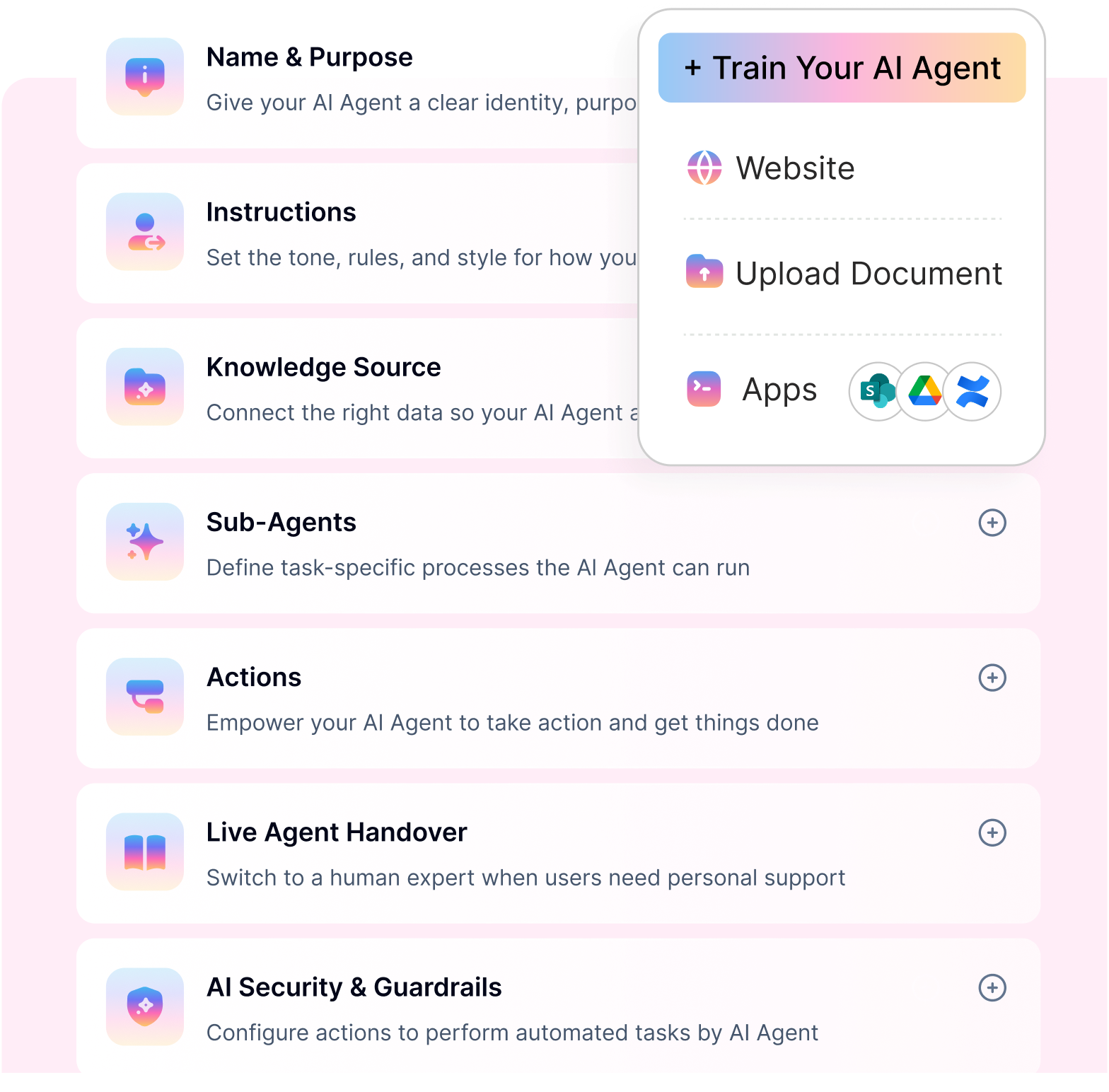
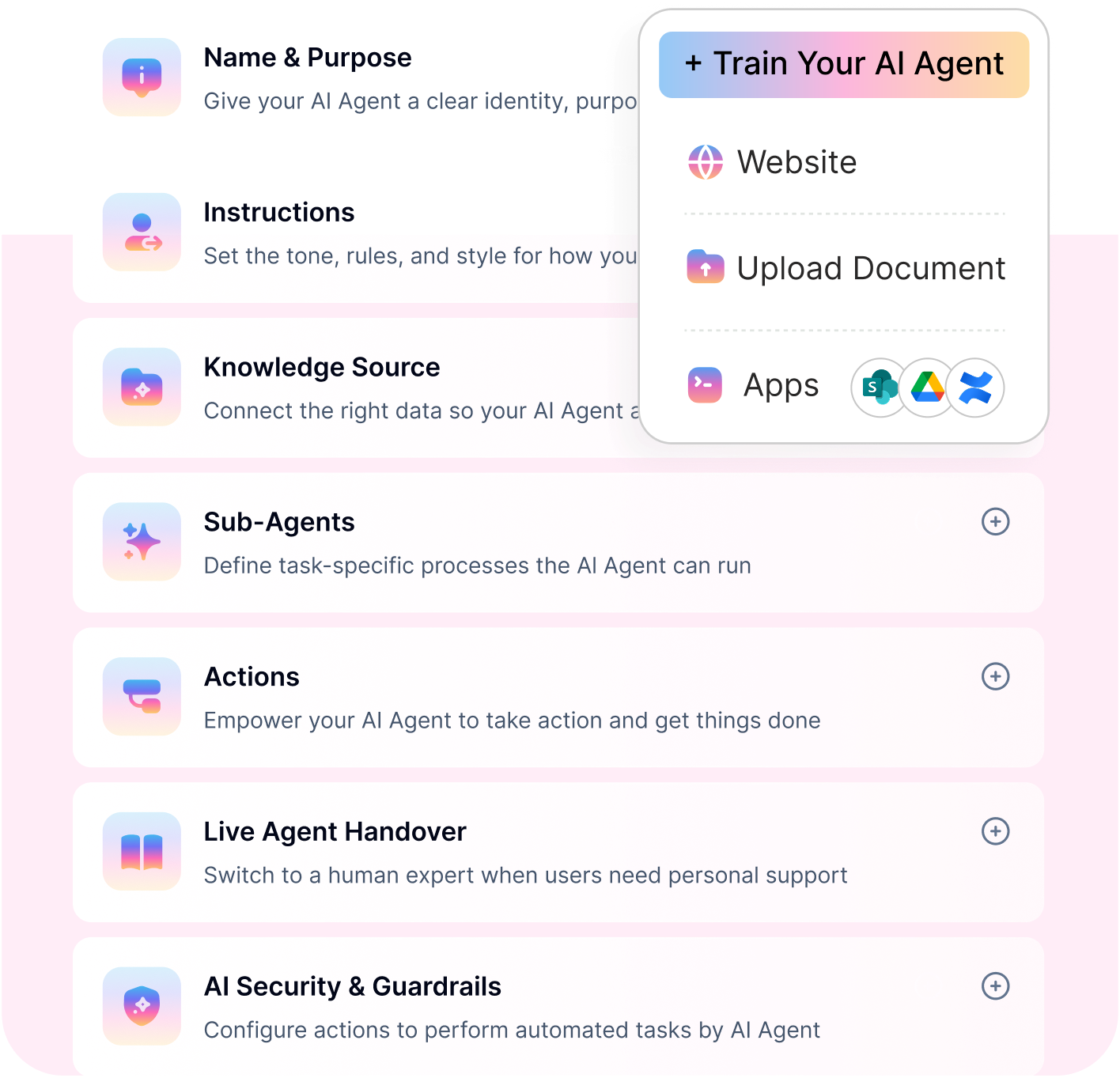
Key features that define Rezolve.ai
Here are the key features that define Rezolve.ai, framed the way buyers and reviewers typically evaluate it:
Conversational employee support: Employees raise IT, HR, and shared services requests directly inside Microsoft Teams using natural language.
AI intent detection: Automatically understands and classifies employee requests to determine the right resolution path.
Agentic AI self-service: Uses agentic AI to resolve common employee issues end-to-end without human involvement.
AI-powered ITSM (AITSM): Applies AI across IT service management workflows to reduce ticket volume and resolution time.
AI agents for request handling: AI agents handle incidents, service requests, and approvals across IT and HR use cases.
Service desk automation: Creates, routes, and manages tickets and approvals without manual intervention.
Knowledge-based self-service: Answers common employee questions using connected policies, FAQs, and documentation.
Smart human handoff: Escalates unresolved issues to the right team while preserving full context.
Reporting and insights: Provides dashboards to track request volumes, resolution rates, and service desk performance.
Strengths and limitations of Rezolve.ai
Rezolve.ai is generally viewed as a solid, modern solution for employee support teams looking to automate IT, HR, and shared services—especially in Microsoft Teams–centric environments. Based on review themes and product positioning, here’s a balanced look at its pros and cons.
Pros:
Strong Microsoft Teams experience: Employees can resolve issues directly in Teams, improving adoption and reducing friction.
Agentic AI–driven self-service: Handles common IT and HR requests end-to-end, lowering ticket volume.
AI-powered ITSM (AITSM): Applies AI across service desk workflows to speed up routing, approvals, and resolution.
Faster time to value: Reviews often highlight ease of setup and quick onboarding for service desk teams.
Effective ticket deflection: Knowledge-based answers reduce repetitive employee queries reaching human agents.
Cons:
Teams-first focus can be limiting: Less ideal for organizations that need broad omnichannel or non-Teams experiences.
Feature depth varies by use case: Some reviewers mention missing features or edge-case limitations.
Pricing clarity is limited publicly: Costs often require sales engagement, making budgeting harder upfront.
Reliability and scalability concerns: A few reviews reference technical or consistency issues at scale.
Customization boundaries: Advanced workflow customization may feel more constrained than on more flexible no-code platforms.
Popular use cases of Rezolve.ai
Here are the most popular use cases of Rezolve.ai, based on its positioning and common customer adoption patterns:
IT helpdesk automation: Resolving password resets, VPN issues, software access, and common IT incidents through AI-driven self-service.
HR support and policy queries: Answering employee questions on leave, benefits, payroll, and HR policies instantly.
Service request management: Automating employee requests such as access provisioning, approvals, and status tracking.
AI-powered ITSM (AITSM): Enhancing traditional IT service management with AI for faster routing, triage, and resolution.
Employee self-service in Microsoft Teams: Enabling employees to get help without leaving Teams or using ticket portals.
Shared services support: Handling finance, facilities, and operations-related employee requests through a single AI interface.
Rezolve.ai pricing and plans 2026: what you need to know before you buy
Rezolve.ai uses an enterprise-focused, quote-based pricing model in 2026, which means costs are tailored to each organization’s size, use cases, and service desk complexity rather than published as fixed plans. While this approach allows flexibility, it also makes it important for buyers to understand what truly drives the final price.
No publicly listed pricing plans : Rezolve.ai does not offer self-serve or transparent pricing tiers. Most buyers must go through a sales-led process to receive a custom quote, which can make early-stage cost comparison challenging.
The real cost drivers : Rezolve.ai pricing is typically influenced by the number of employees supported, the breadth of IT, HR, and shared services use cases, and the depth of workflow automation required. Integrations with ITSM, HRIS, IAM, and other enterprise systems, along with advanced capabilities like AI-powered ITSM and agentic AI self-service, can further increase the overall cost.
Hidden and indirect costs to watch for : Beyond the base subscription, organizations should account for potential implementation and onboarding fees, professional services for customization, and additional costs as new departments or workflows are rolled out. Premium support tiers or stricter SLAs may also come at an extra cost, especially for large-scale enterprise deployments.
How scalability affects long-term spend : Because pricing is contract-based, expanding employee usage, adding new use cases, or increasing automation depth often leads to renegotiation at renewal time. This can make long-term budgeting less predictable as adoption grows across the organization.
What to clarify before signing : Before committing, buyers should confirm what features are included in the base price, how pricing scales with employee adoption, whether implementation and support are bundled, and how future expansion will impact costs.
This pricing model can work well for enterprises seeking a customized, Teams-first employee support solution, but teams that value clear, usage-based pricing and upfront transparency often evaluate alternative platforms alongside Rezolve.ai.
PRICING YOU CAN SEE UPFRONT
Workativ automates IT, HR, and shared services end to end, with published pricing and no surprises.
No-code setup · Fast deployment · Predictable pricing
See Workativ AI in actionBest alternative to Rezolve ai, How Workativ compares?
For teams evaluating employee support and service desk automation, Rezolve.ai is often shortlisted for its Microsoft Teams–first experience. However, many organizations ultimately consider Workativ when they want more pricing clarity, broader automation flexibility, and faster iteration without heavy service dependency.
Here’s how Workativ compares and why it’s commonly seen as the strongest alternative.
Pricing predictability and transparency
Rezolve.ai uses a quote-based, contract-driven pricing model, which can make budgeting more difficult as usage grows. Workativ, by contrast, publishes clear, usage-aligned pricing tiers, allowing teams to forecast costs more confidently as employee adoption and automation scale.
Workativ offers the following tiered pricing plans, which are billed monthly or annually.

Starter plan ($99) – Includes a generous number of sessions with core employee support capabilities, ideal for pilots and early adoption.
Business plan ($349/month) – Comes with higher session limits, advanced integrations, analytics, and automation features needed for production use.
Enterprise plan (custom) – Designed for large organizations requiring compliance, RBAC, SSO, and tailored deployment, without forcing unnecessary long-term lock-ins.
The key difference lies in how costs scale. Workativ prices by sessions, not employee count or opaque enterprise bundles. This means organizations pay based on actual usage rather than total workforce size, avoiding inflated costs when only a subset of employees actively use the AI agent.
Automation beyond the service desk
Rezolve.ai is optimized around ITSM and employee service desk workflows. Workativ goes a step further by offering a no-code workflow automation studio, enabling teams to automate requests, approvals, and actions across IT, HR, Finance, and Ops—without being limited to ticket-centric use cases.
Faster time to value and iteration
While Rezolve.ai is often praised for ease of setup, changes and expansions can still require structured configuration cycles. Workativ is designed for rapid deployment and ongoing iteration, allowing admins to modify AI behavior, workflows, and actions without engineering or vendor-led services.
Flexibility across tools and environments
Rezolve.ai works best in Teams-centric environments. Workativ is tool-agnostic, integrating across ITSM, HRIS, IAM, and business systems, making it a better fit for organizations with diverse or evolving tech stacks.
Clear ROI visibility
Workativ emphasizes outcome-based analytics, helping teams track automation success, deflection, and cost per interaction more directly, making it easier to justify AI investments to stakeholders.
Rezolve.ai is a solid choice for Teams-first, service-desk–driven employee support. Workativ stands out as the best alternative for teams that want transparent pricing, broader no-code automation, faster iteration, and clearer ROI as automation scales.
Head-to-head comparison: Rezolve.ai AI vs Workativ
Below is a clear, buyer-friendly comparison of Rezolve.ai and Workativ across the dimensions that matter most when evaluating employee support and automation platforms.
Category | Rezolve AI | Workativ |
|---|---|---|
Core positioning | AI-powered employee support and modern service desk | No-code AI agent and workflow automation platform |
Primary use case | IT, HR, and shared services inside Microsoft Teams | IT, HR, Finance, Ops automation across employee support |
Channel focus | Microsoft Teams–first | Tool-agnostic (Teams + broader enterprise stack) |
AI approach | Agentic AI for service desk–centric self-service | Configurable AI agents with rules, workflows, and actions |
Automation depth | Strong for ITSM and ticket-driven workflows | Broader automation beyond tickets using no-code workflows |
AITSM capabilities | Built around AI-powered IT service management | Supports ITSM but extends beyond service desk scenarios |
BEYOND THE SERVICE DESK?
See how Workativ automates IT, HR, Finance and Ops workflows - not just tickets - in a live walkthrough.
Selecting the right AI platform for employee support and beyond
Choosing the right AI platform for employee support goes beyond reducing tickets. The ideal solution should resolve IT and HR queries efficiently today, while giving teams the flexibility to automate more processes as needs evolve.
Start by considering where employees work and how support is delivered. Teams-centric platforms work well when Microsoft Teams is the primary interface, but organizations with multiple tools often benefit from a more flexible, tool-agnostic approach.
Next, evaluate automation depth. Some platforms focus mainly on ITSM and service desk workflows, while others allow teams to build no-code automations across IT, HR, Finance, and Operations—making it easier to extend AI beyond support into real business actions.
Pricing predictability also matters as adoption grows. Transparent, usage-aligned pricing helps teams plan budgets with confidence and avoid surprises as more employees rely on AI.
Finally, look at time to value and iteration speed. Platforms that let internal teams configure, improve, and scale AI agents without heavy vendor dependency tend to deliver stronger long-term ROI. This is where platforms like Workativ quietly stand out—by combining no-code flexibility, predictable pricing, and outcome-focused automation.
👉 Book a demo with Workativ and explore how you can launch AI-powered employee support in weeks—not months—without enterprise friction or unpredictable costs.
FAQs
What is Rezolve.ai used for?
Rezolve.ai is used to automate employee support for IT, HR, and shared services, primarily inside Microsoft Teams.
Is Rezolve.ai suitable for enterprises?
Yes, Rezolve.ai is designed for mid-market and enterprise organizations that prefer a Teams-first, service desk–oriented employee support model.
Does Rezolve.ai offer transparent pricing?
No, Rezolve.ai follows a quote-based pricing model, and buyers typically need to contact sales to understand total costs.
What are the main limitations of Rezolve.ai?
Common limitations include limited pricing transparency, a strong Teams dependency, and less flexibility for automation beyond ITSM-focused workflows.
How is Workativ different from Rezolve.ai?
Workativ offers transparent, usage-aligned pricing and broader no-code automation across IT, HR, Finance, and Operations, making it easier to scale beyond the service desk.
Which platform should I choose?
Choose Rezolve.ai if you need a Teams-centric employee service desk. Choose Workativ if you want predictable pricing, faster iteration, and flexibility to automate employee workflows beyond IT support.
Can Rezolve.ai support workflows outside IT and HR?
Rezolve.ai can handle shared services to some extent, but its core strength remains in ITSM-focused workflows. Expanding into finance or operations may require additional customization.
How does Rezolve.ai handle scaling across departments?
As adoption grows across departments, complexity increases in workflows, integrations, and cost structures. Organizations may need to reassess pricing and configurations as they scale.
'%3e%3cpath%20d='M11.5732%2031.7068L19.2977%2022.7433L11.5732%2011.5366H17.4664L22.6245%2018.942L29.0522%2011.5366H30.7788L23.4029%2020.0985L31.4127%2031.7086H25.4997L20.1231%2023.9069L13.3197%2031.7068H11.5732ZM16.6519%2012.8366H13.9536L26.354%2030.4462H28.9926L28.8265%2030.1576L16.6519%2012.8366Z'%20fill='%230C0C0C'/%3e%3c/g%3e%3cdefs%3e%3cclipPath%20id='clip0_505_14364'%3e%3crect%20width='19.7681'%20height='20.2432'%20fill='white'%20transform='translate(11.573%2011.5365)'/%3e%3c/clipPath%3e%3c/defs%3e%3c/svg%3e)

'%3e%3cpath%20d='M25.2175%2011.7557L26.9132%2011.911V15.0496C26.0135%2015.1444%2024.1746%2014.7452%2023.5821%2015.5947C23.4908%2015.726%2023.3291%2016.1592%2023.3291%2016.3091V19.002H26.7392L26.3346%2022.5281H23.3291V31.5952H19.707V22.5863L19.649%2022.5281H16.6628V19.002H19.707C19.7813%2017.4024%2019.4664%2015.7042%2020.1132%2014.1986C20.6748%2012.8902%2021.7857%2012.0974%2023.1666%2011.8435L23.7151%2011.7557H25.2183H25.2175Z'%20fill='%230C0C0C'/%3e%3c/g%3e%3cdefs%3e%3cclipPath%20id='clip0_505_14375'%3e%3crect%20width='10.2695'%20height='19.8027'%20fill='white'%20transform='translate(16.658%2011.7567)'/%3e%3c/clipPath%3e%3c/defs%3e%3c/svg%3e)
About the Author
Deepa Majumder

Senior content writer
Deepa Majumder is a writer who nails the art of crafting bespoke thought leadership articles to help business leaders tap into rich insights in their journey of organization-wide digital transformation. Over the years, she has dedicatedly engaged herself in the process of continuous learning and development across business continuity management and organizational resilience.
Her pieces intricately highlight the best ways to transform employee and customer experience. When not writing, she spends time on leisure activities.
Auto-resolve 60% of Your Employee
Queries With AI Agents & Automation
- No credit card required
- Setup in minutes
- Cancel Anytime